Film the lesson. Put the notes on it.
Start with a video you already have. The first lesson costs nothing.
Put the grooves and fills you teach on your drum video: drum notation, a line that follows your playing, and R L K sticking under every hit.
Write the part or bring it from Guitar Pro, MIDI or MusicXML. Drag it onto your video where you play it, stretch it to the tempo you played, and export it for YouTube, Shorts, Reels or TikTok.
Runs in your browser · your video is never uploaded · a free account to export
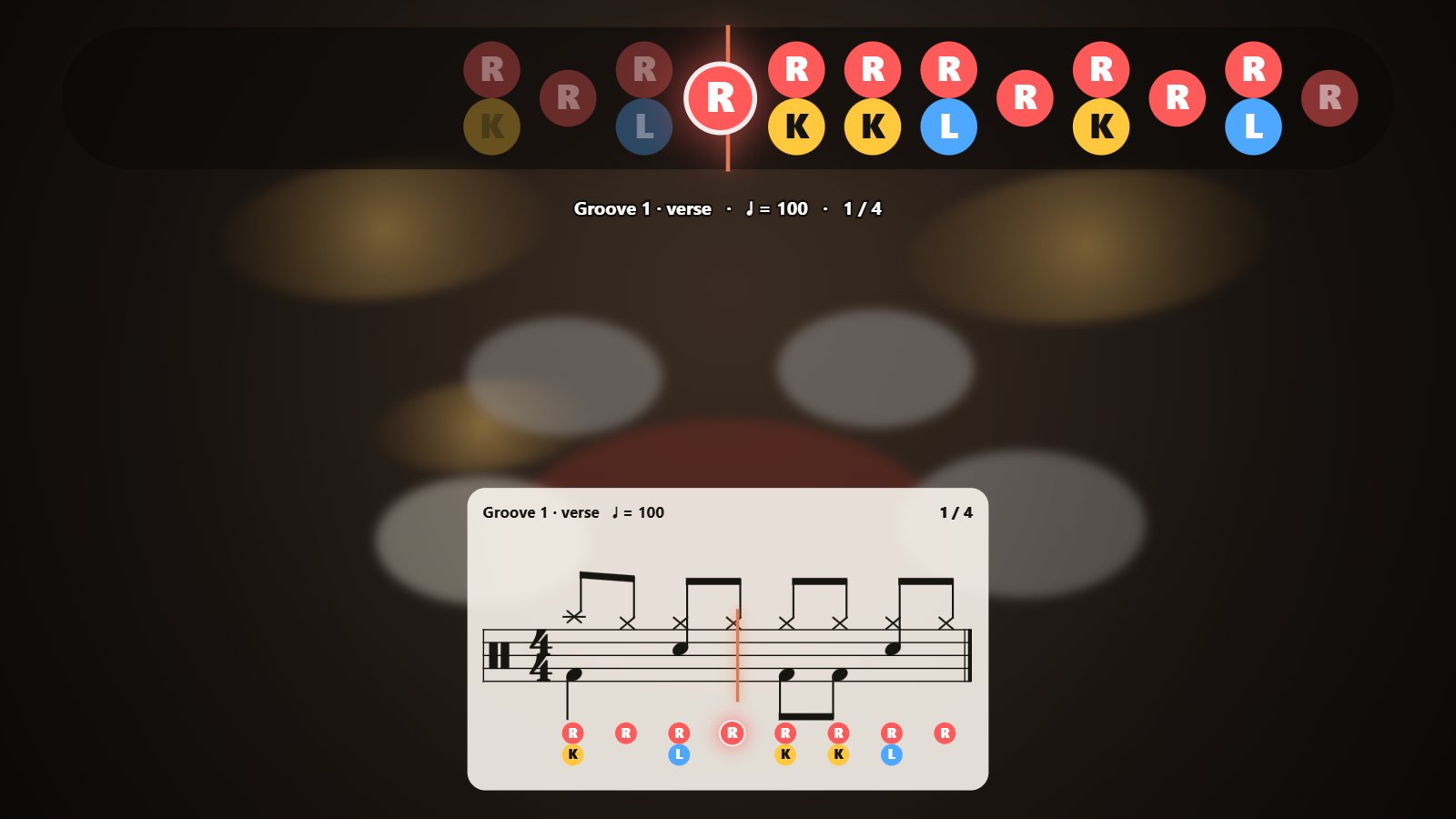
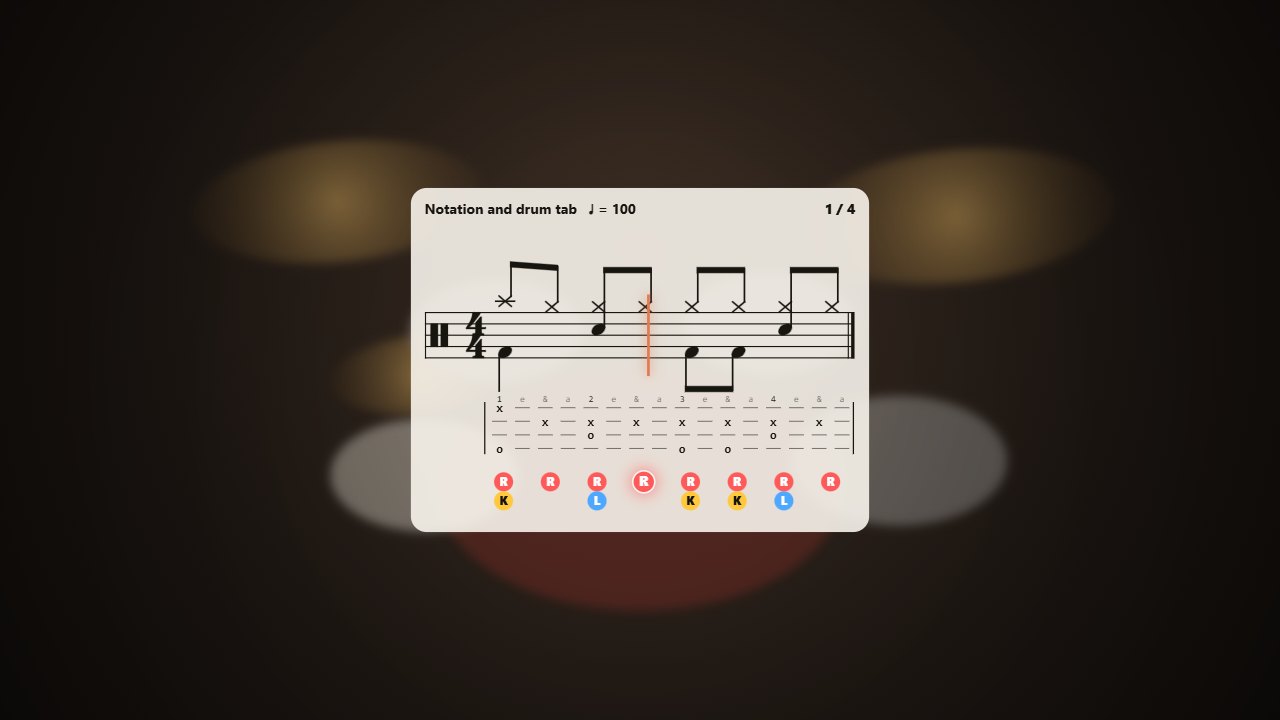
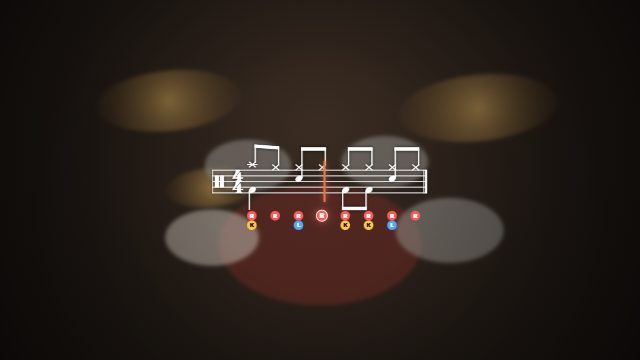
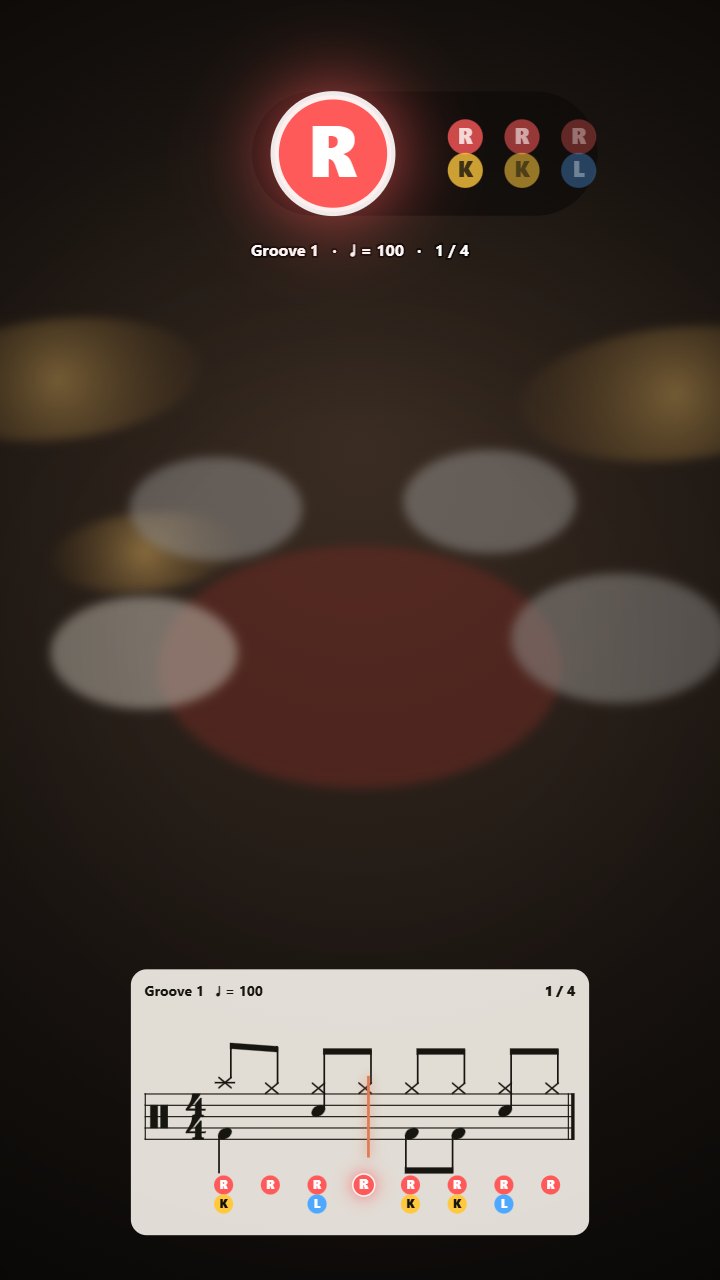
A groove on a drum video: the sticking runs along the top, the notation along the bottom, and each hit lights up as it is played.
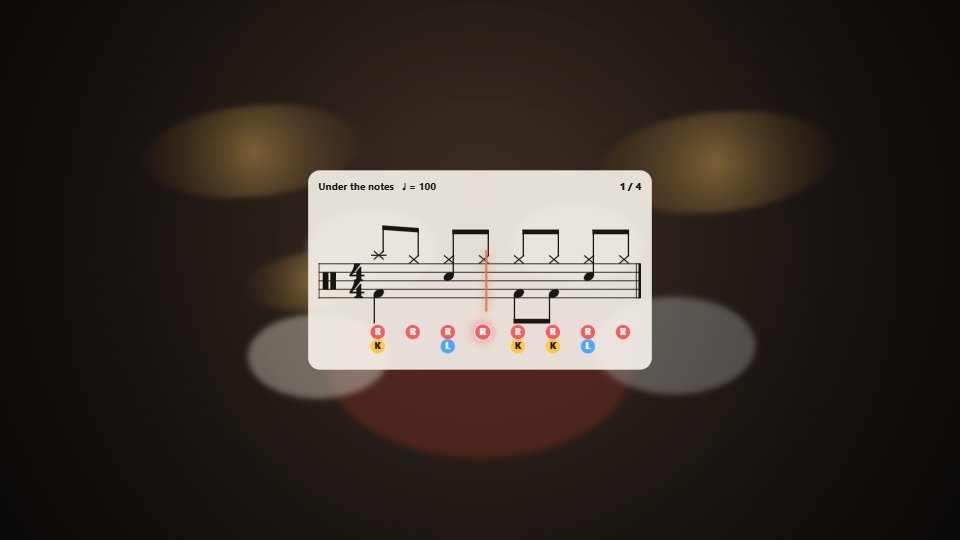
Right, left and kick for each note, suggested for you and changed with a click or a key. Your colours, your size.
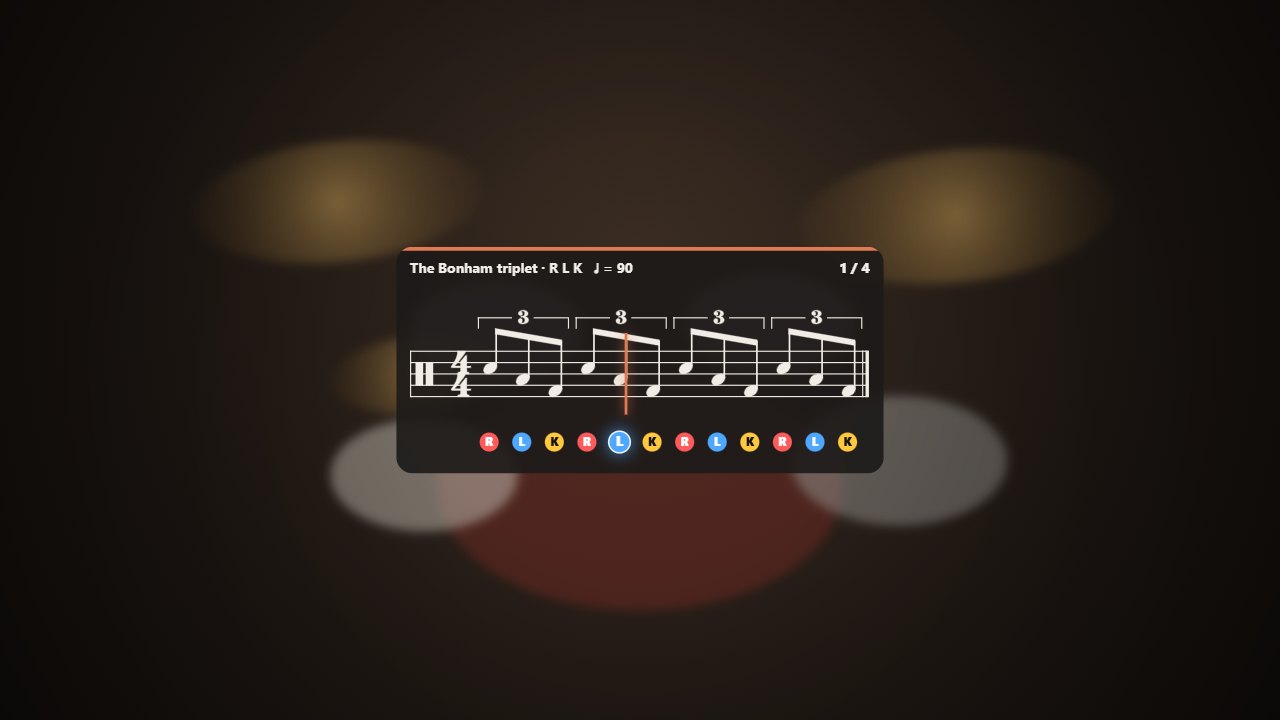
Hands stems up and feet stems down, or one voice for linear fills. Triplets to septuplets, accents, ghost notes, open and half-open hi-hat.
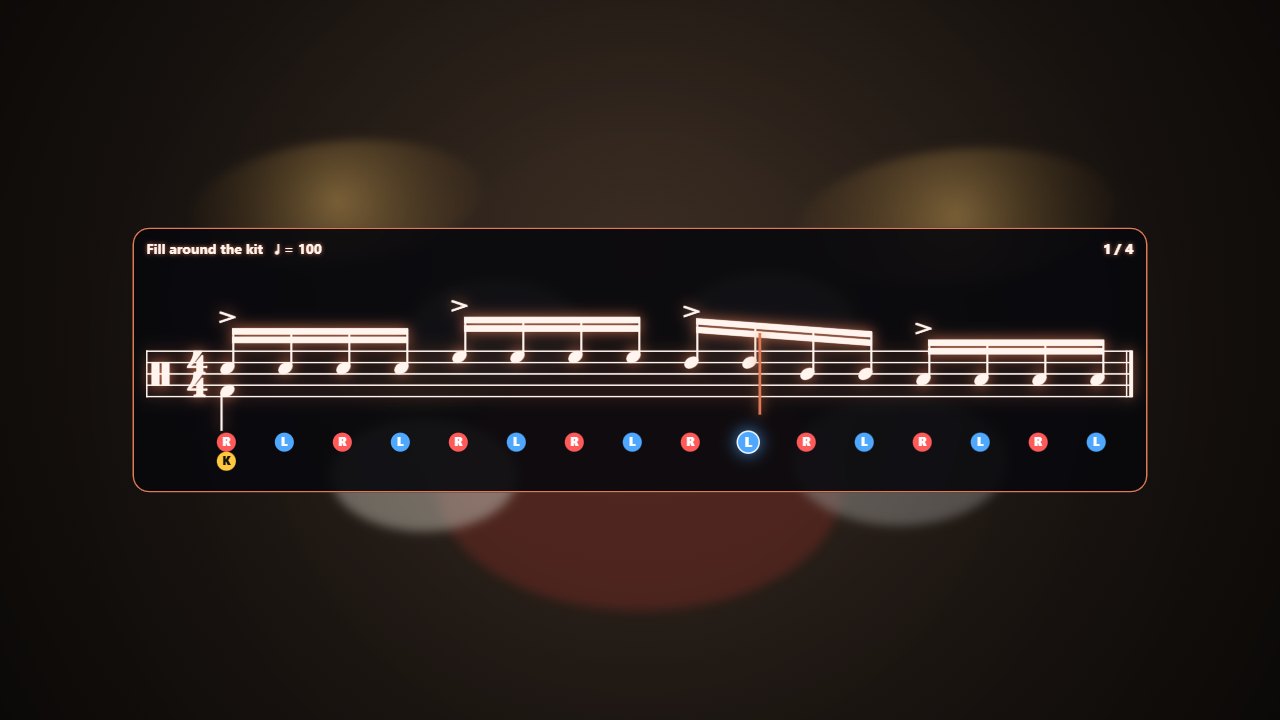
A line moves over the notes as you play them. Each part goes where you play it in the video, at the tempo you played it.
Pick one per clip: on the sheet, or the letters on their own, anywhere on the video. Drag it where you want it and resize it by the corner.
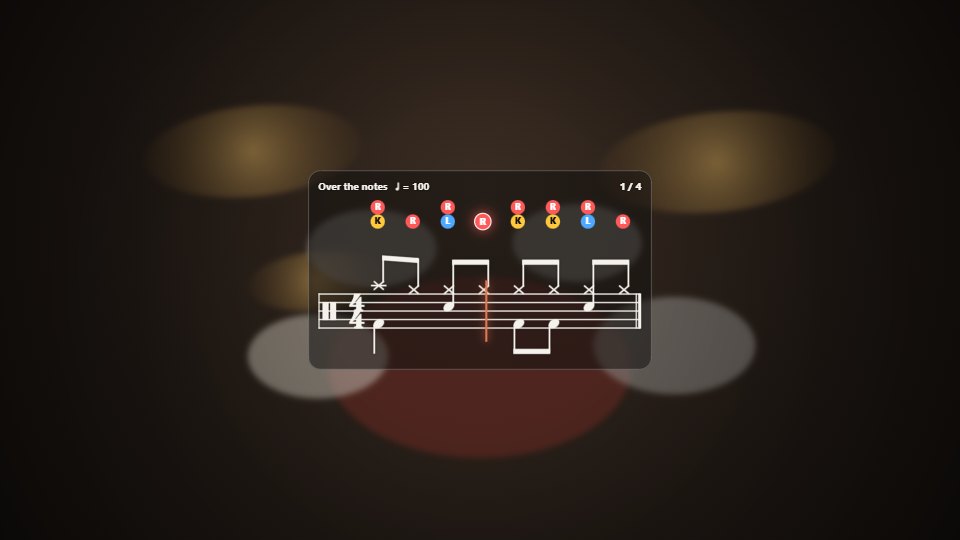
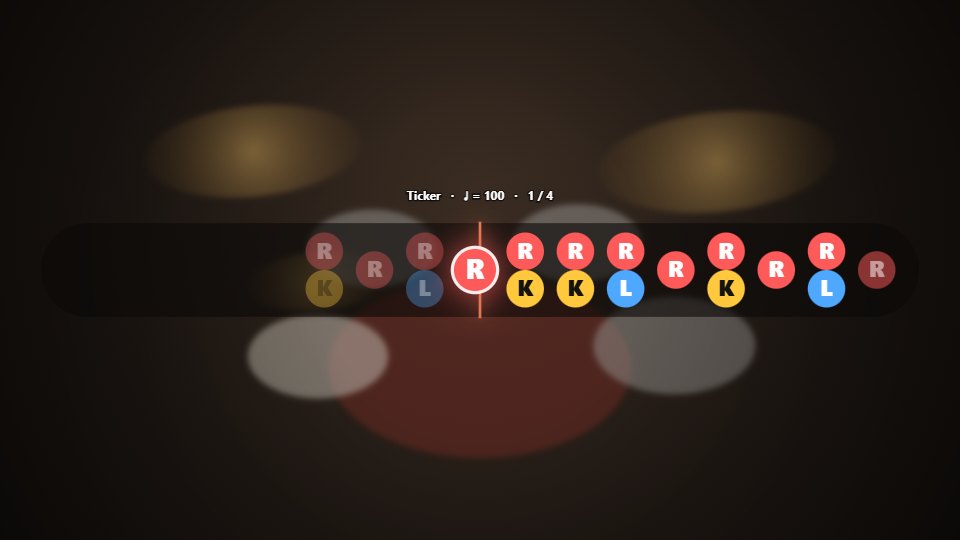
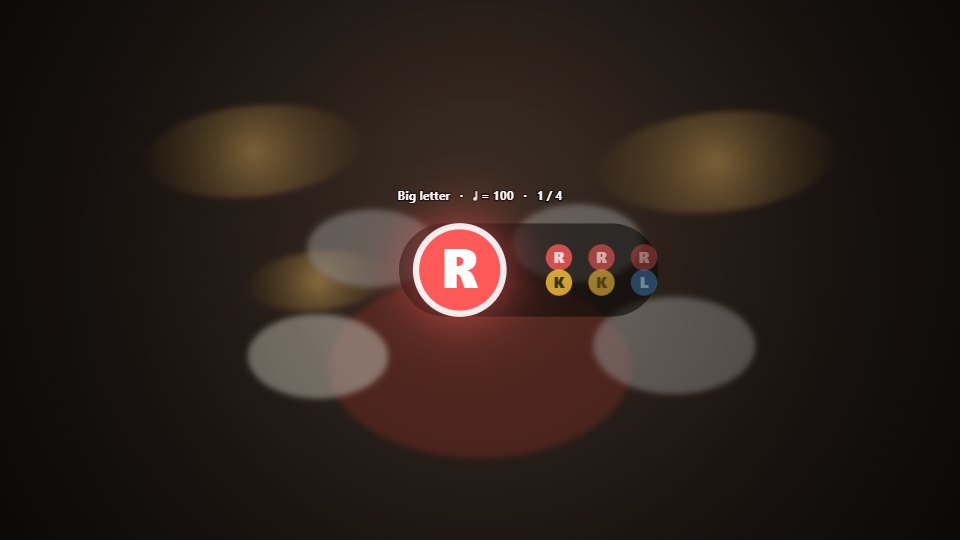
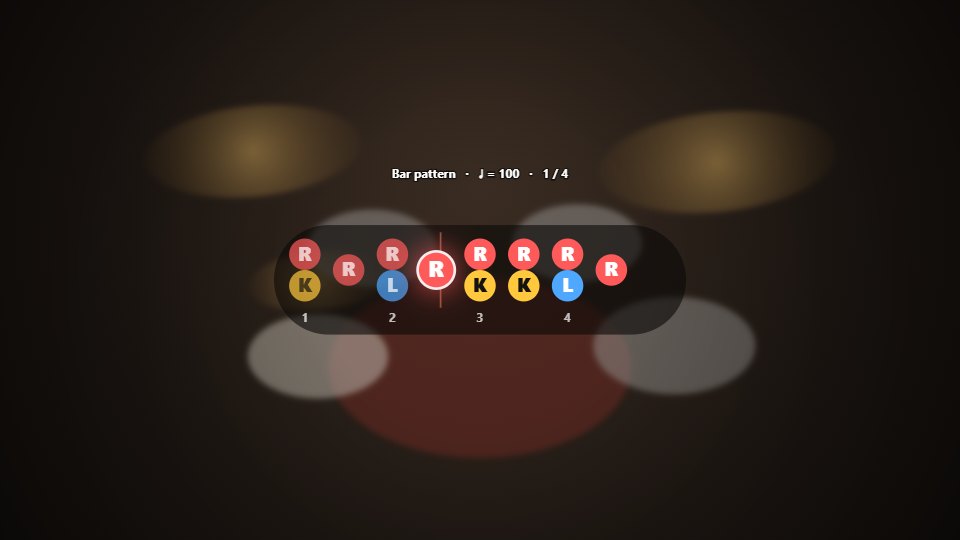
The classic drum tab your viewers know from lesson sites: a line per drum, x and o on the beat grid, the counts on top. Or the drum notation. Or both, the tab under each line of notation, bar for bar.
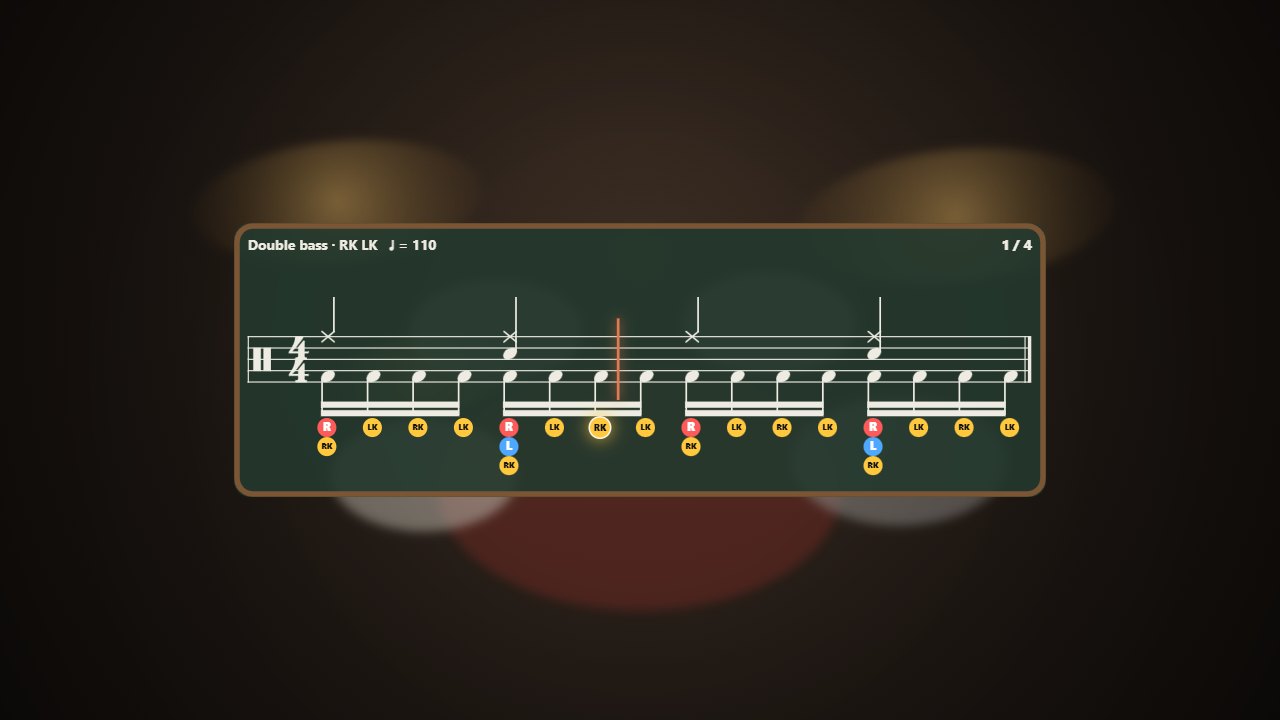
Turn on two pedals and every kick says which foot plays it: RK or LK. Runs are suggested alternating, starting on the right, and you change any of them with a click or K and Shift + K.
The lesson as you filmed it: a phone, a camera, a screen recording. It never leaves your computer.
Write it with the kit pads (hi-hat and kick on one beat, then Next), or bring a Guitar Pro, MIDI or MusicXML file: only the drums come in.
Drag the part onto the timeline where you play it. Played it slower? Stretch the clip and the tempo follows.
For YouTube, Shorts, Reels or TikTok, with the notation and the sticking burned in.
Paper, glass, clear notes with a shadow for busy videos, chalkboard, neon and more. Your colours for R, L and K.
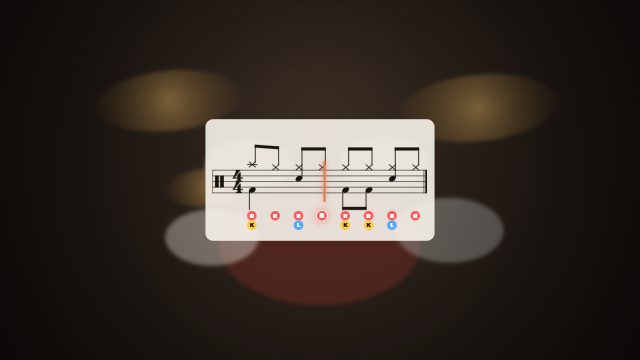
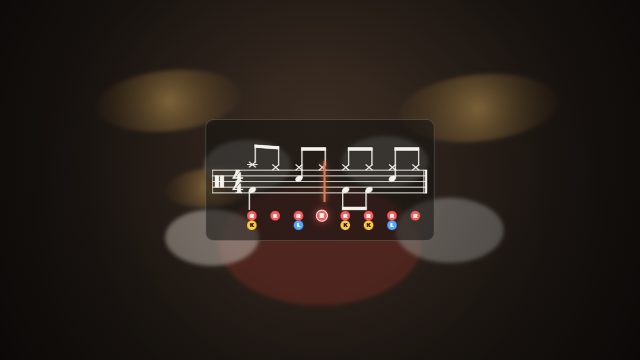
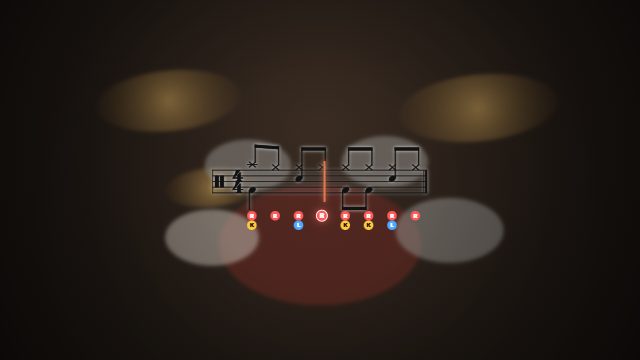
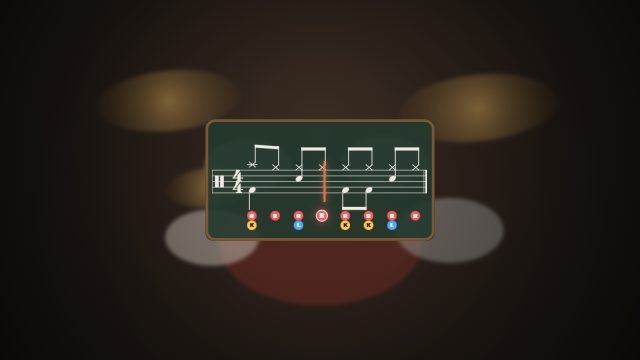
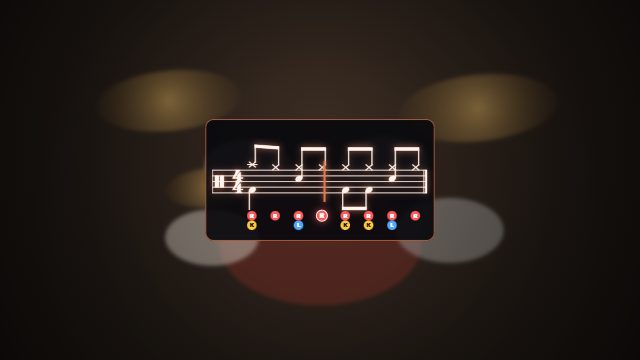
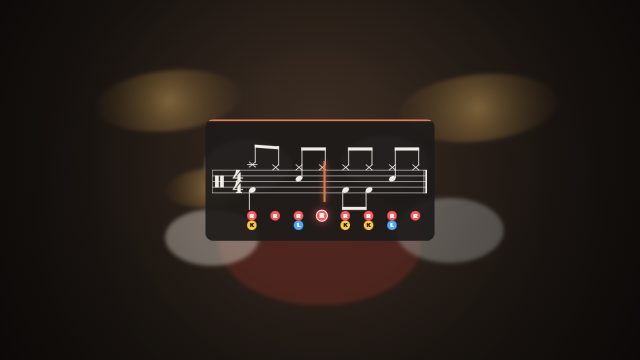
Export in 16:9 for YouTube or 9:16 for Shorts, Reels and TikTok. The sheet is laid out again for the shape, crisp at any size, and your sound comes through untouched.
Start with a video you already have. The first lesson costs nothing.