Sheet music, tab and instruments on your videos, step by step
Walkthroughs in the real editor, one workflow each - from a Guitar Pro file, a MIDI or a PDF to a synced video for YouTube, Shorts, Reels or TikTok, with the score, a fretboard or a piano on it. Every picture is SheetVideo itself, with what to click ringed.
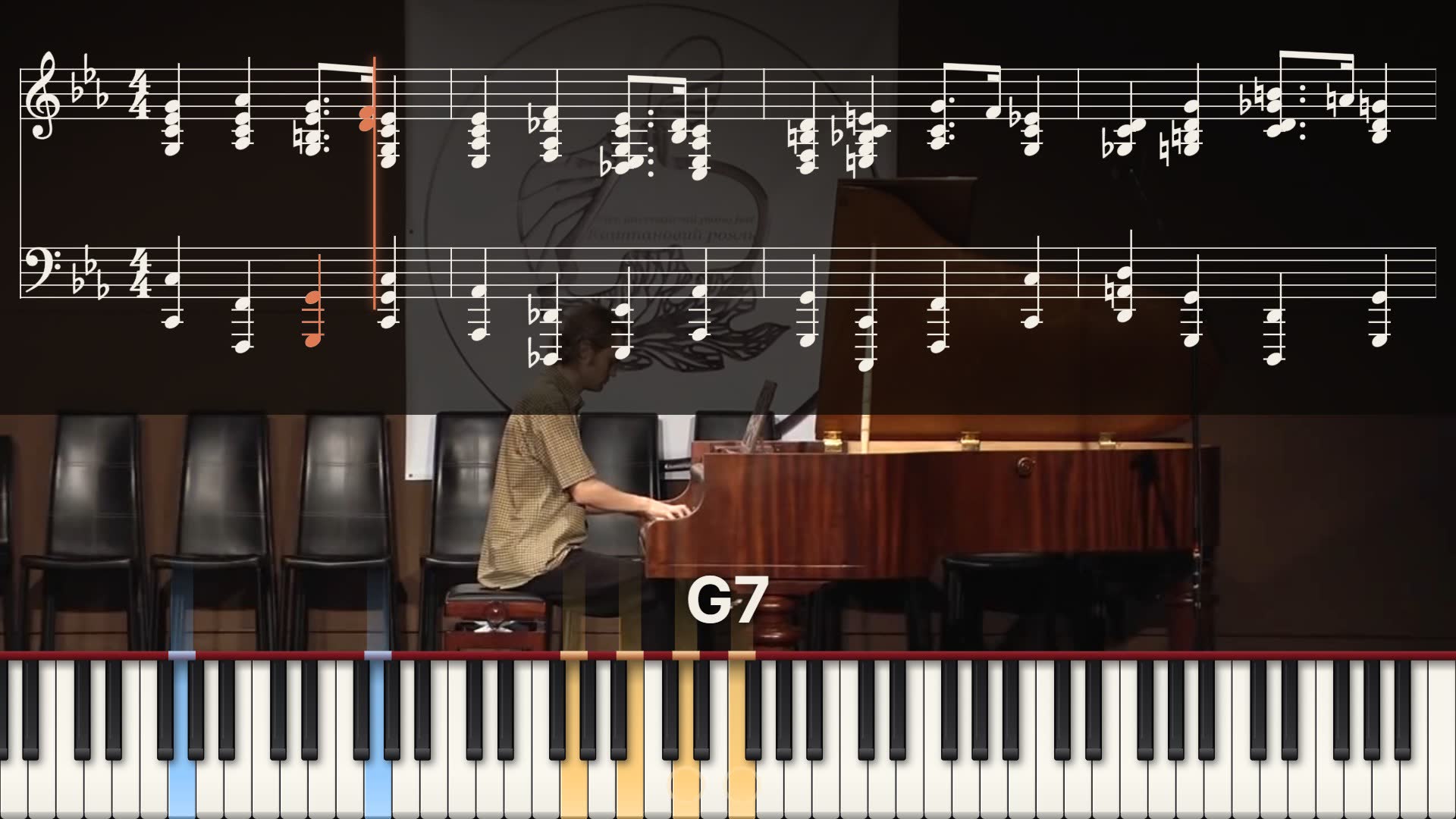
Every way to put sheet music on a video, compared: SheetVideo, video editors, screen recording, MuseScore, page-turn and tap tools, and paid services.
Read the guide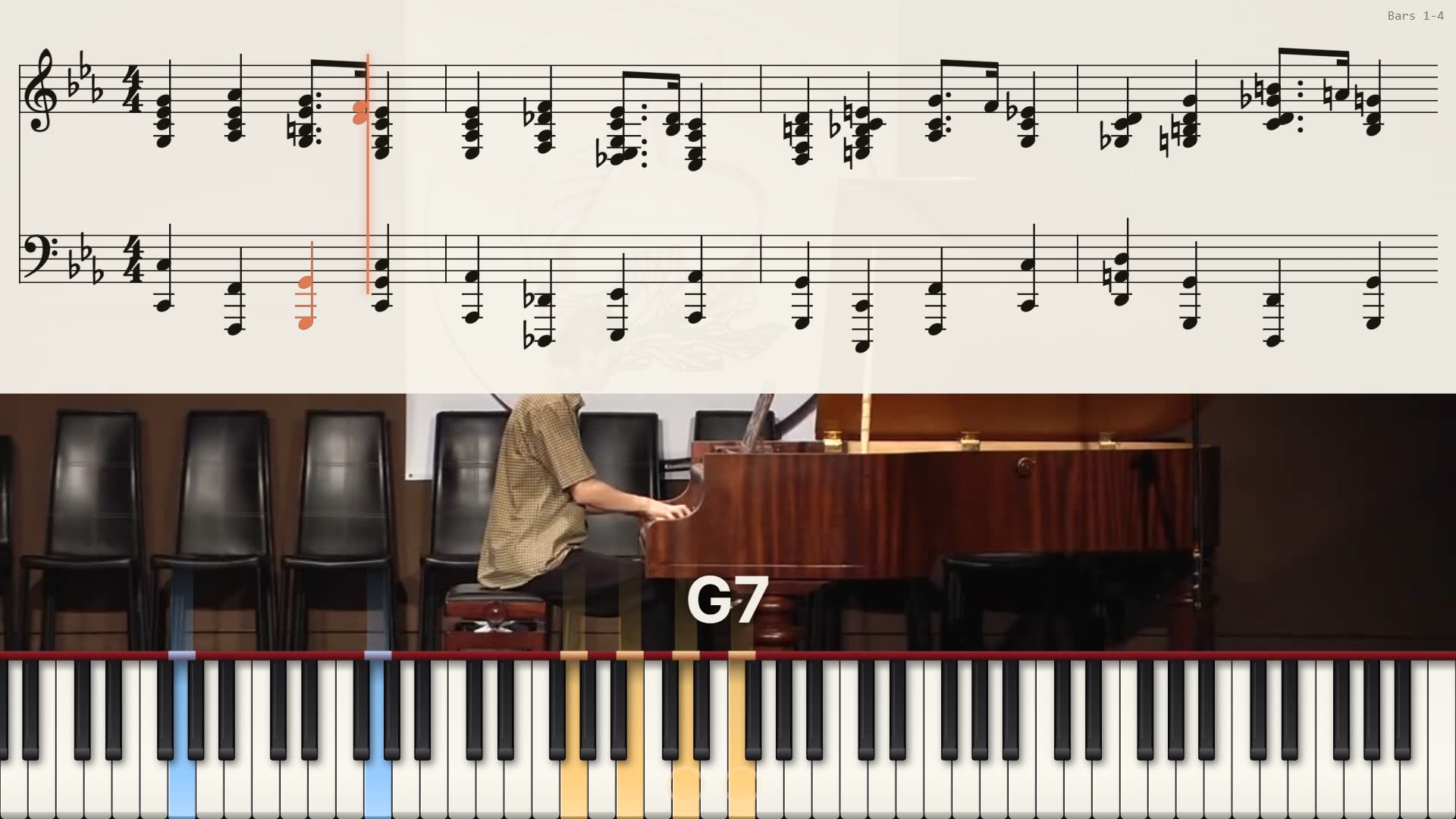
How to make a score video of your composition or performance, step by step: choosing the file, preparing the recording, picking the view, and what to avoid.
Read the guide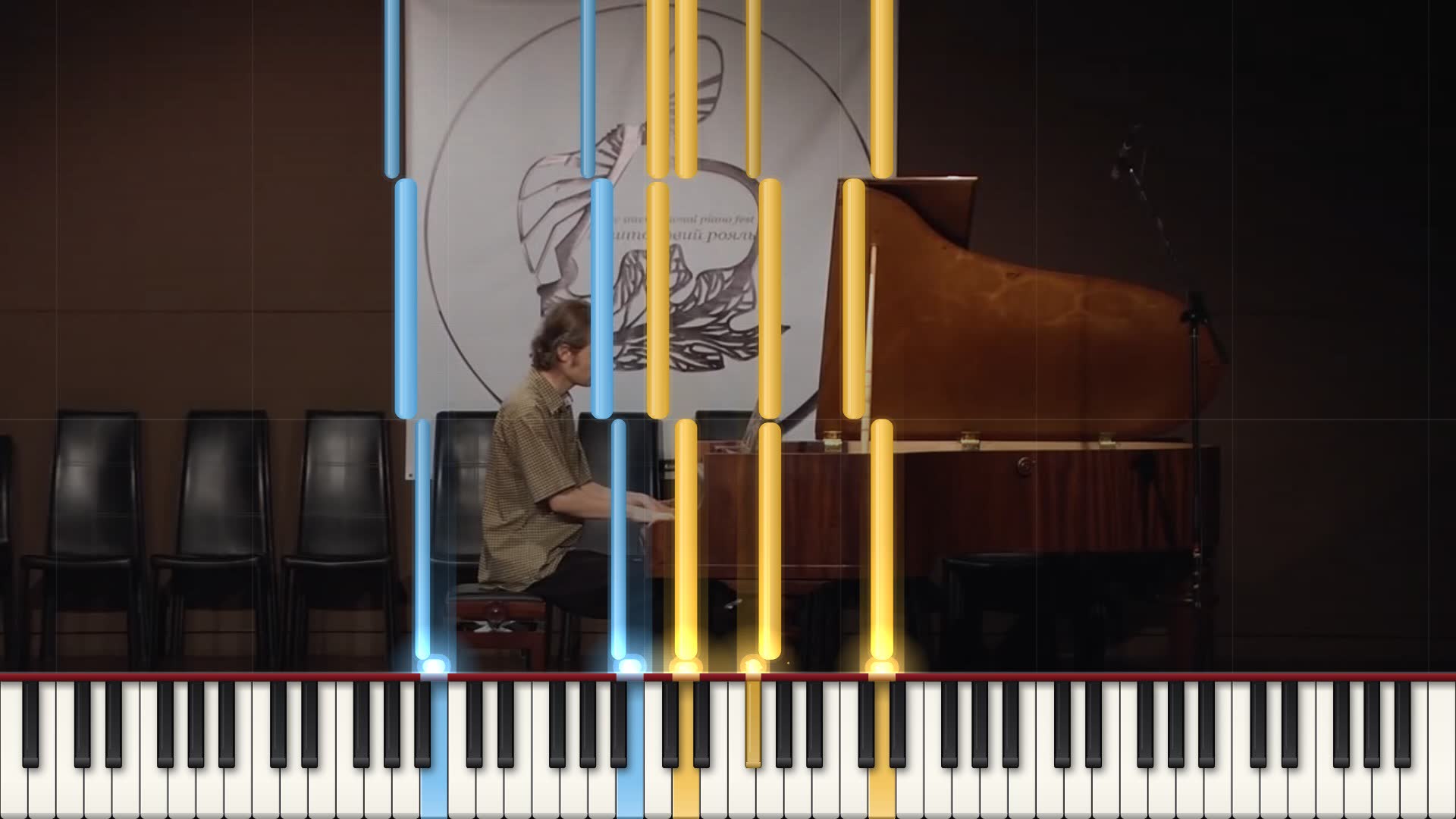
How to make a falling notes piano video from a MIDI file or your own playing: online with SheetVideo, or with Synthesia and screen capture, SeeMusic and Python tools.
Read the guide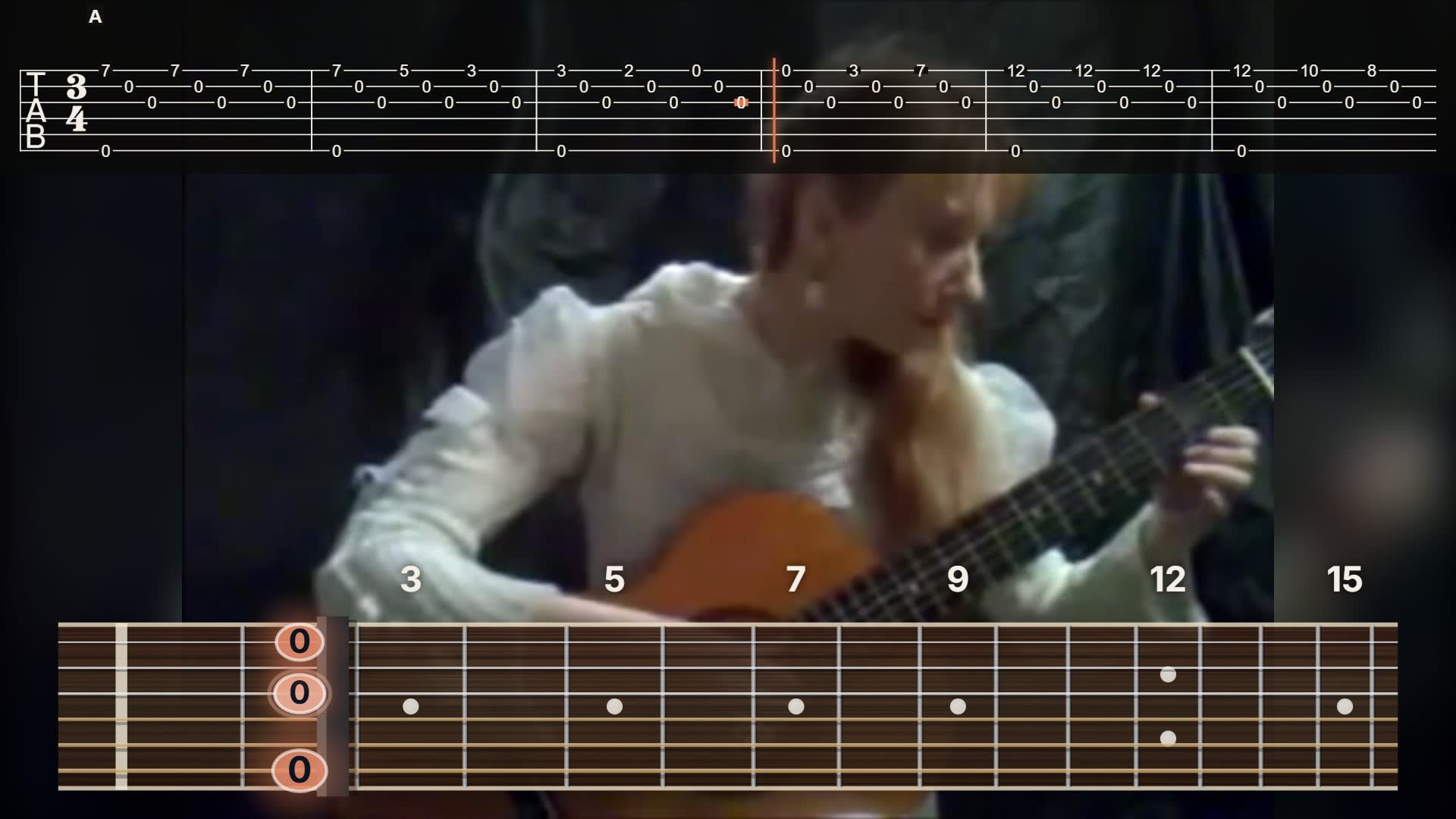
How to add scrolling guitar tabs to a video: a finished tab video from SheetVideo, a tab strip in your own editor, or screen recording Guitar Pro.
Read the guide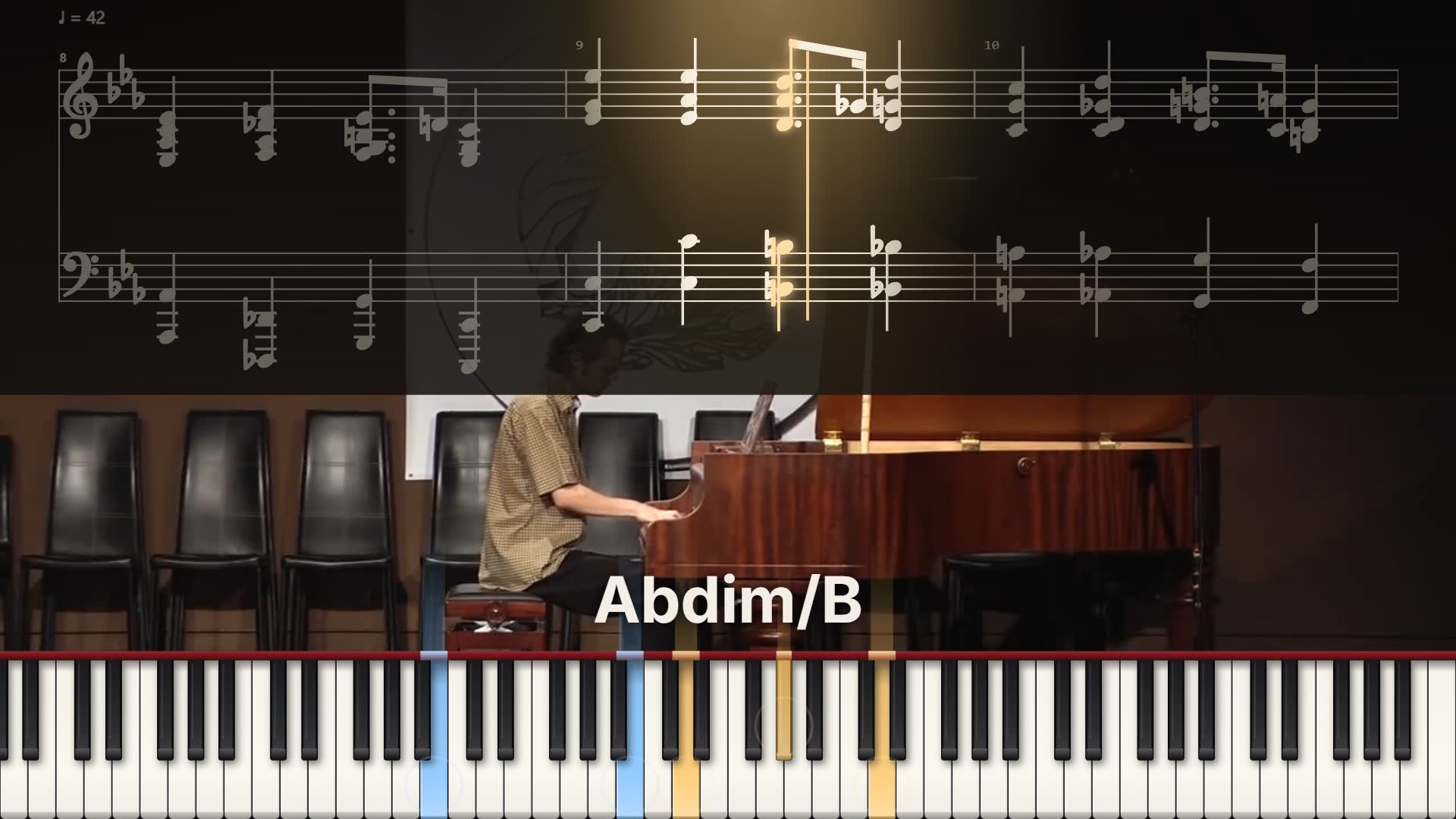
How to export a video from MuseScore Studio 4.7 with FFmpeg, what it does well, and how to make a score video with your own recording instead of its playback.
Read the guide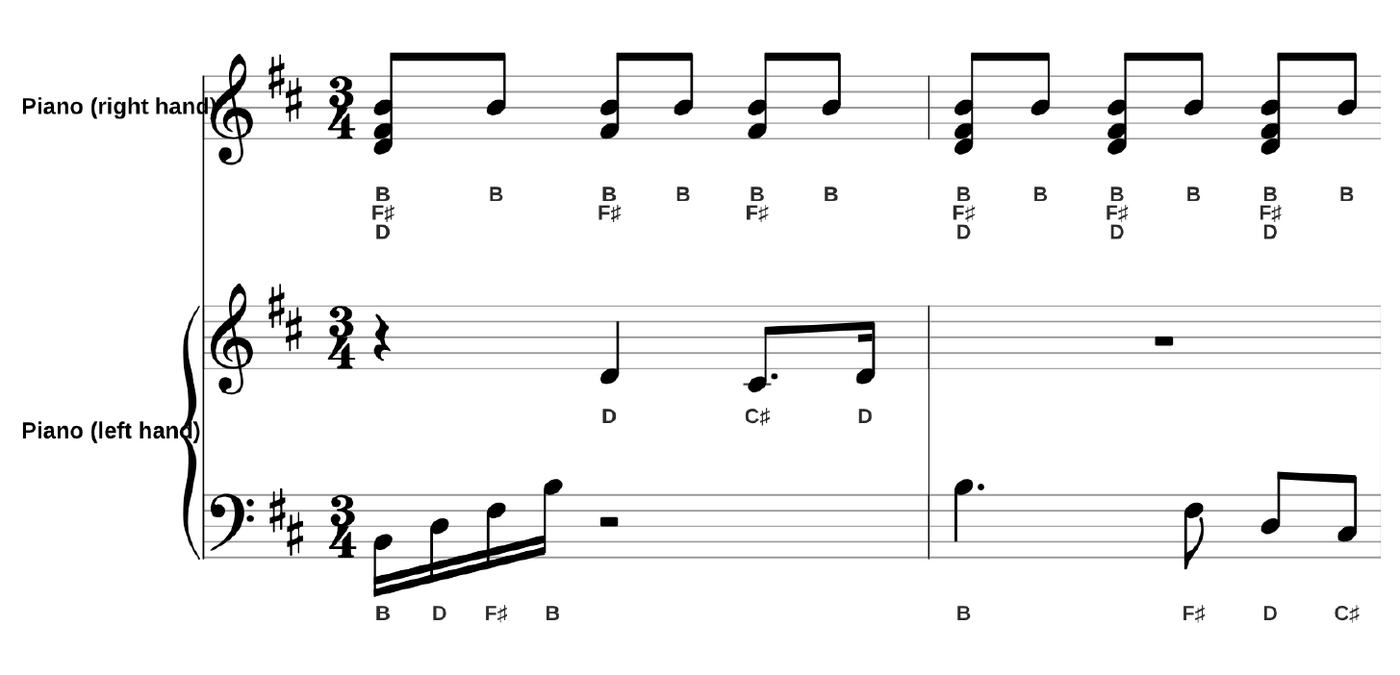
Learn to read sheet music step by step: the staff, treble and bass clef, sharps and flats, rhythm. Then print any score with the note names over or under every note.
Read the guide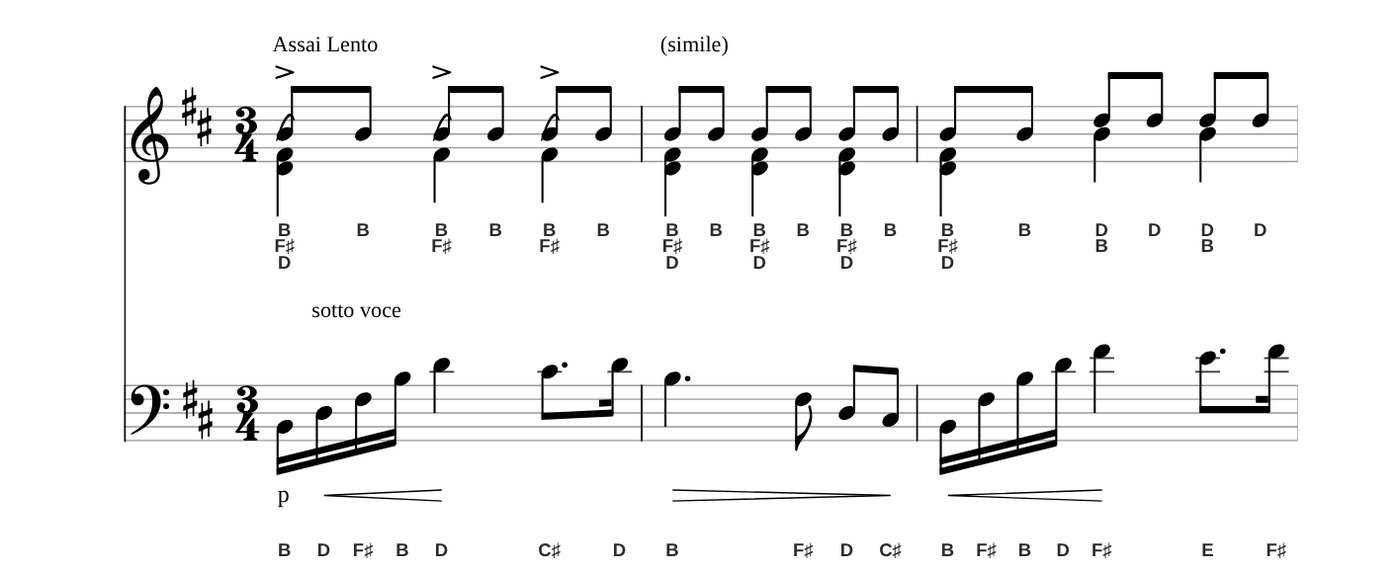
How to get sheet music with the note names (letters) under or over every note: from a PDF, MusicXML, MIDI or Guitar Pro file. Examples for piano, chords, key signatures and guitar.
Read the guide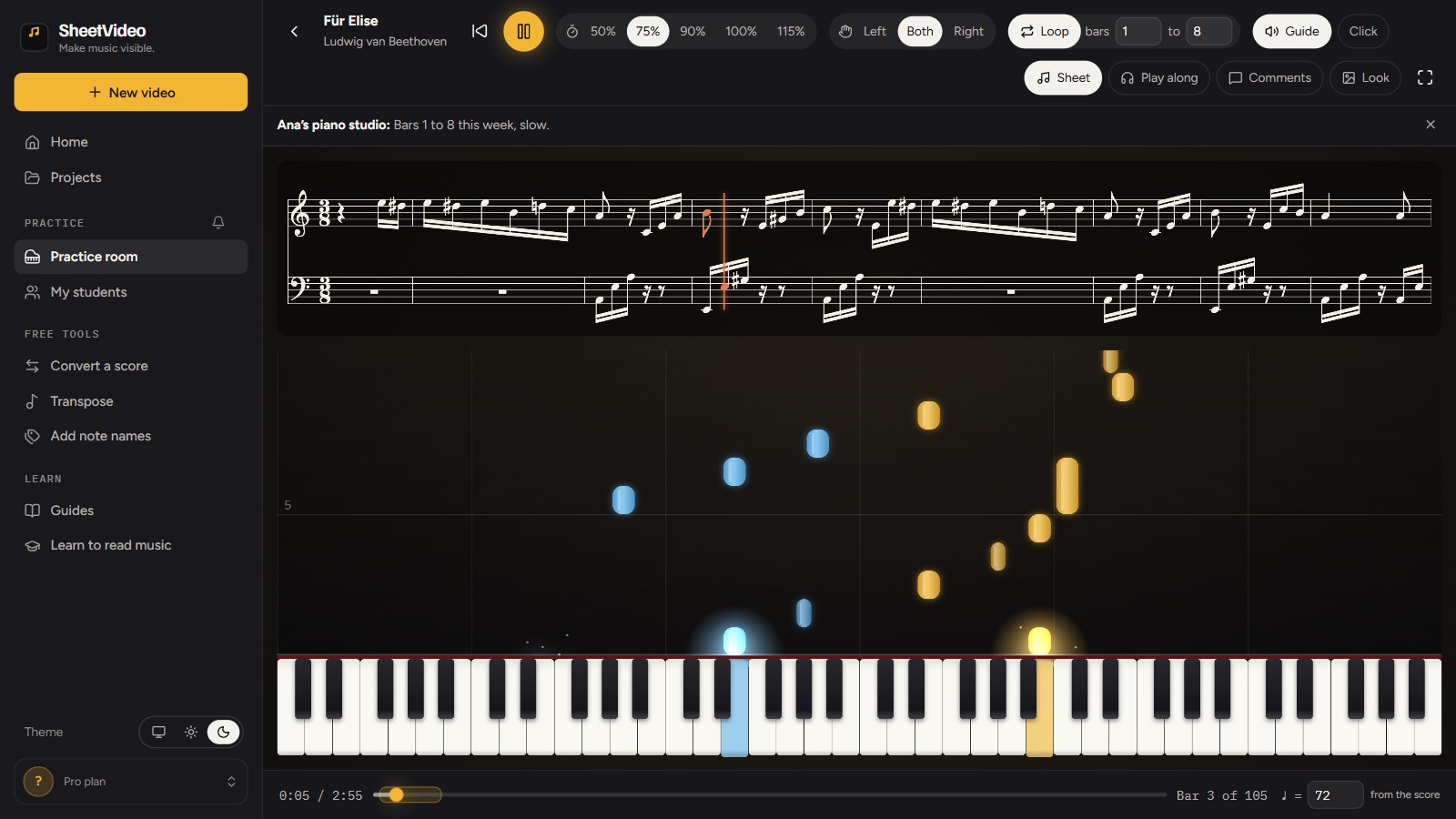
Why piano students do not practice the way you ask, what effective home practice looks like (slow tempo steps, short loops, hands apart), how to write assignments that get done, and how to give each student a clean score they can slow down, loop and play along with in SheetVideo, with its benefits and its limits.
Read the guideFrom a recording and its score to a synced sheet music video in five minutes: add both files, SheetVideo syncs them by listening, pick the look and the shape, export and post.
Read the guide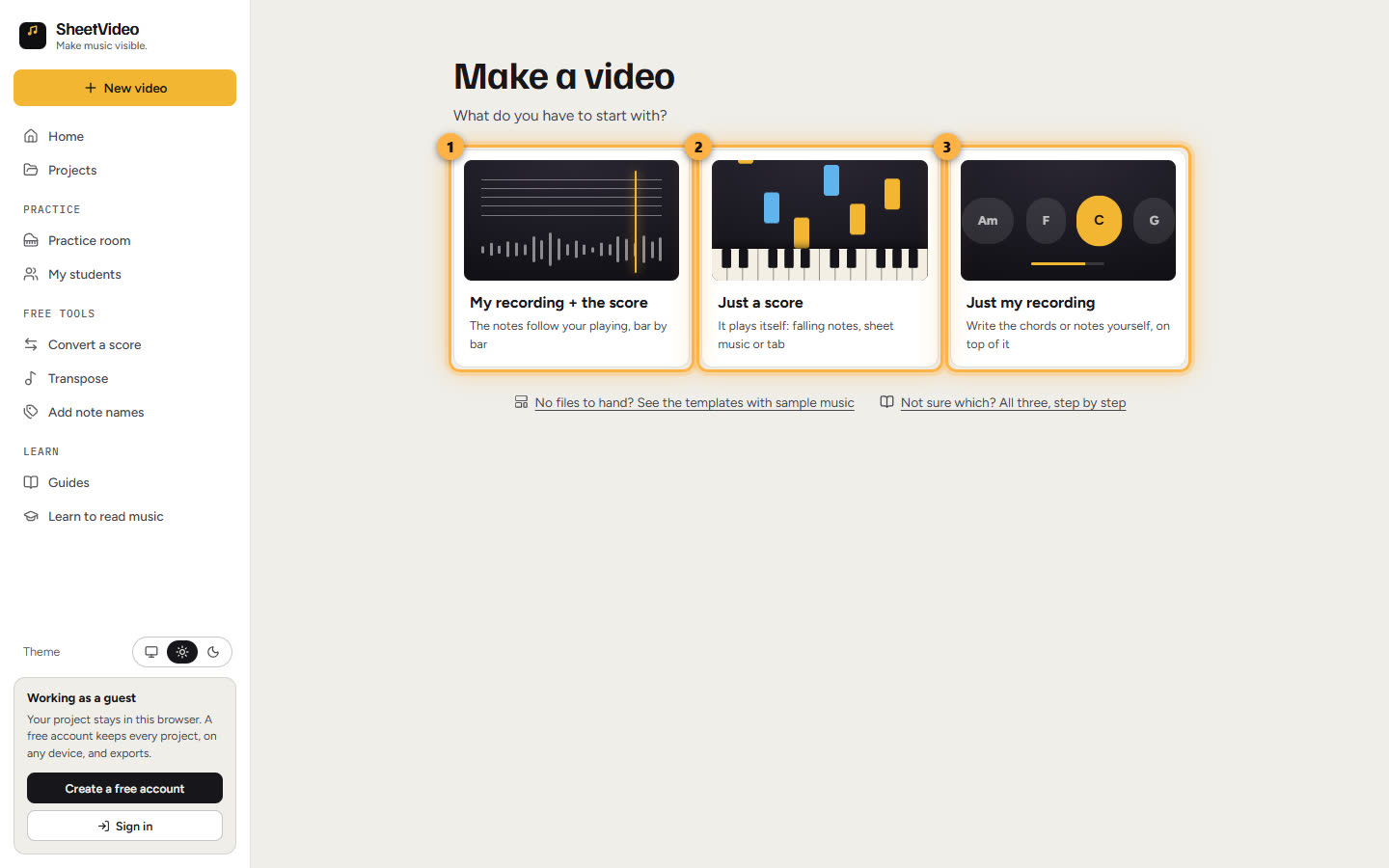
The three kinds of SheetVideo project, in detail: your recording with its score, a score that plays itself, or your recording with the chords or notes you write. What each makes, and every click to a finished video.
Read the guide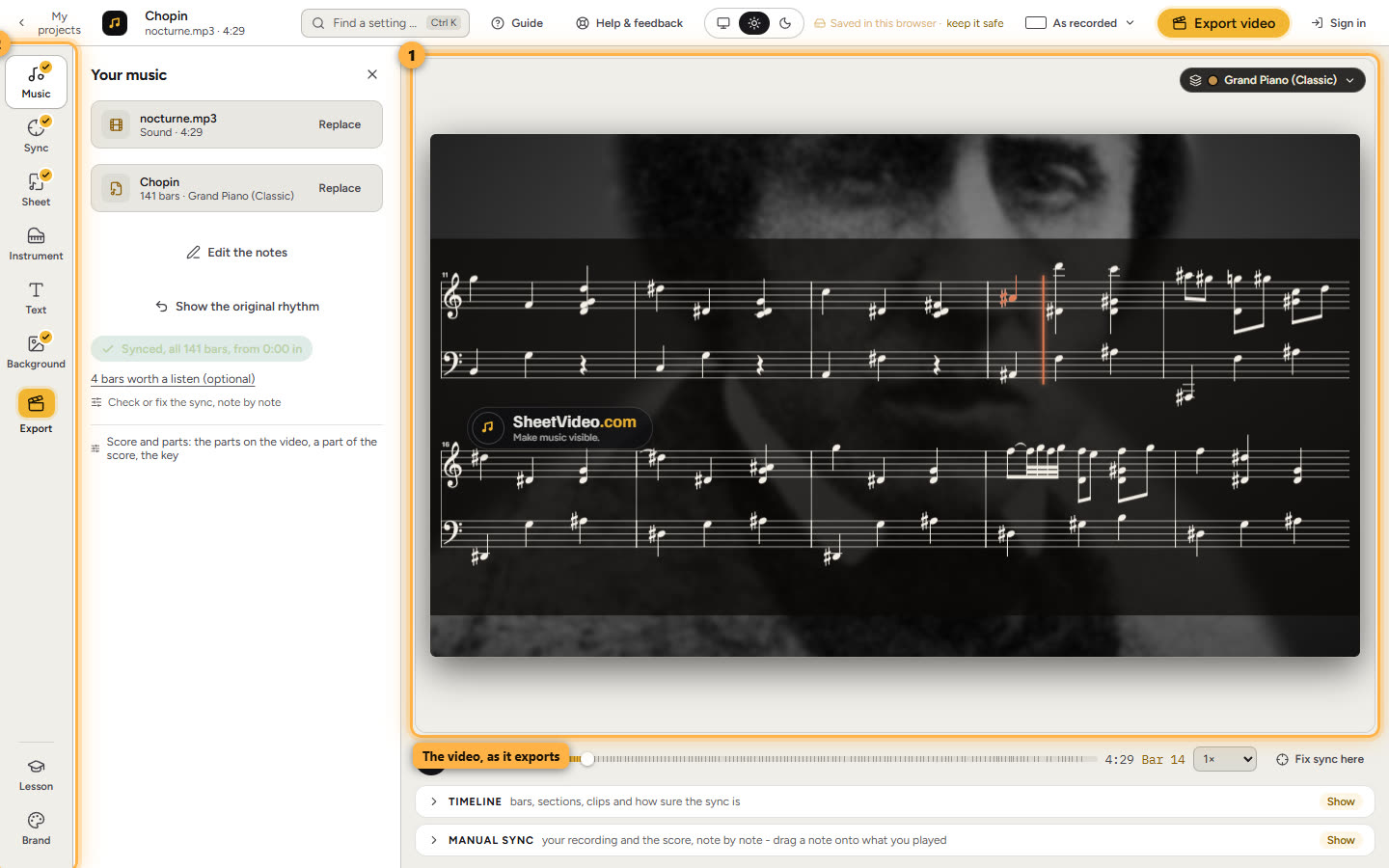
Everything after the first video: checking the sync, lesson sections, sheet views and instruments, text, your brand, Shorts, exports in every shape and posting them.
Read the guide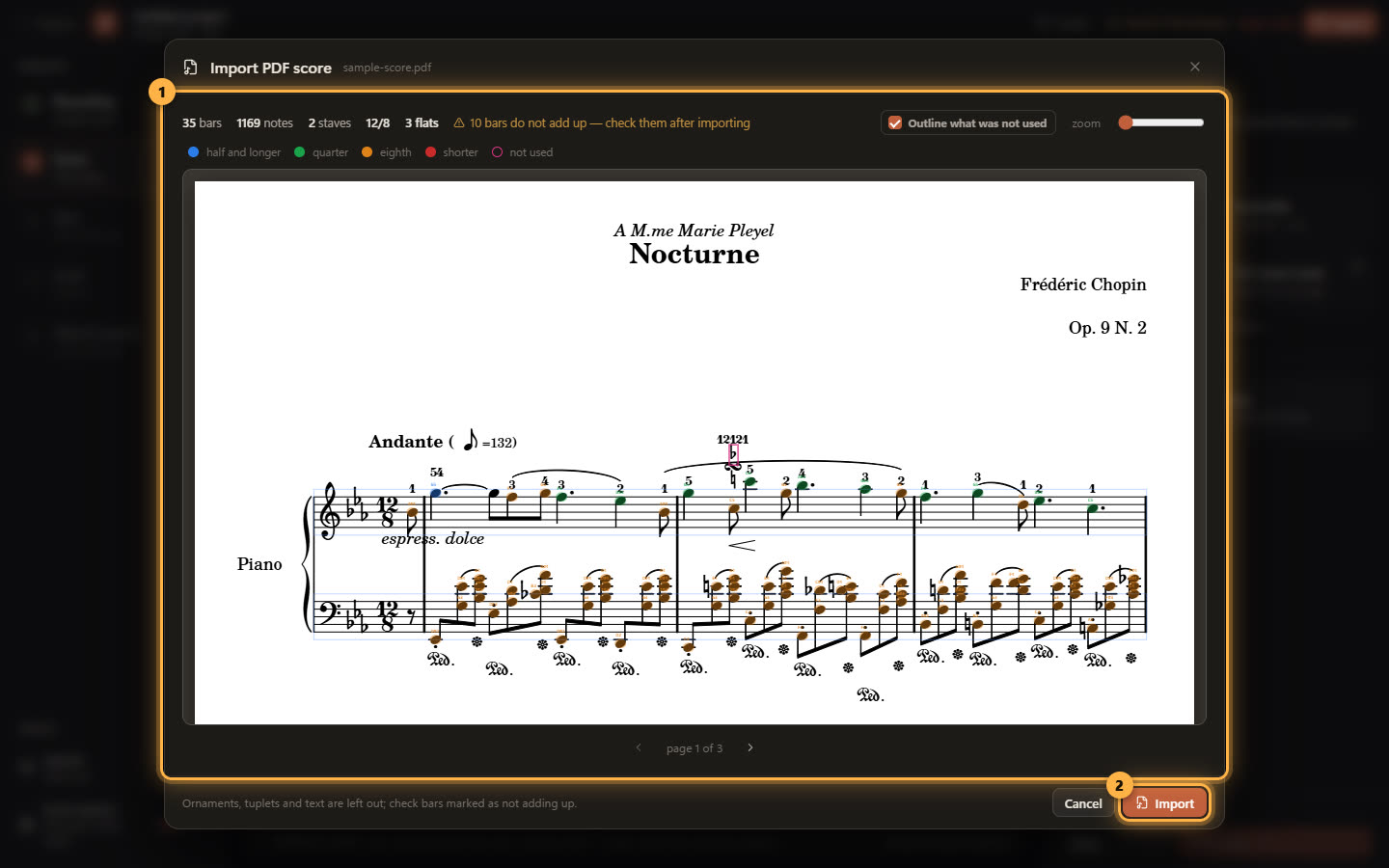
The score decides how good the sync can be. What MusicXML, Guitar Pro, MIDI and PDF each carry, and what goes wrong with played-in MIDI or scans.
Read the guide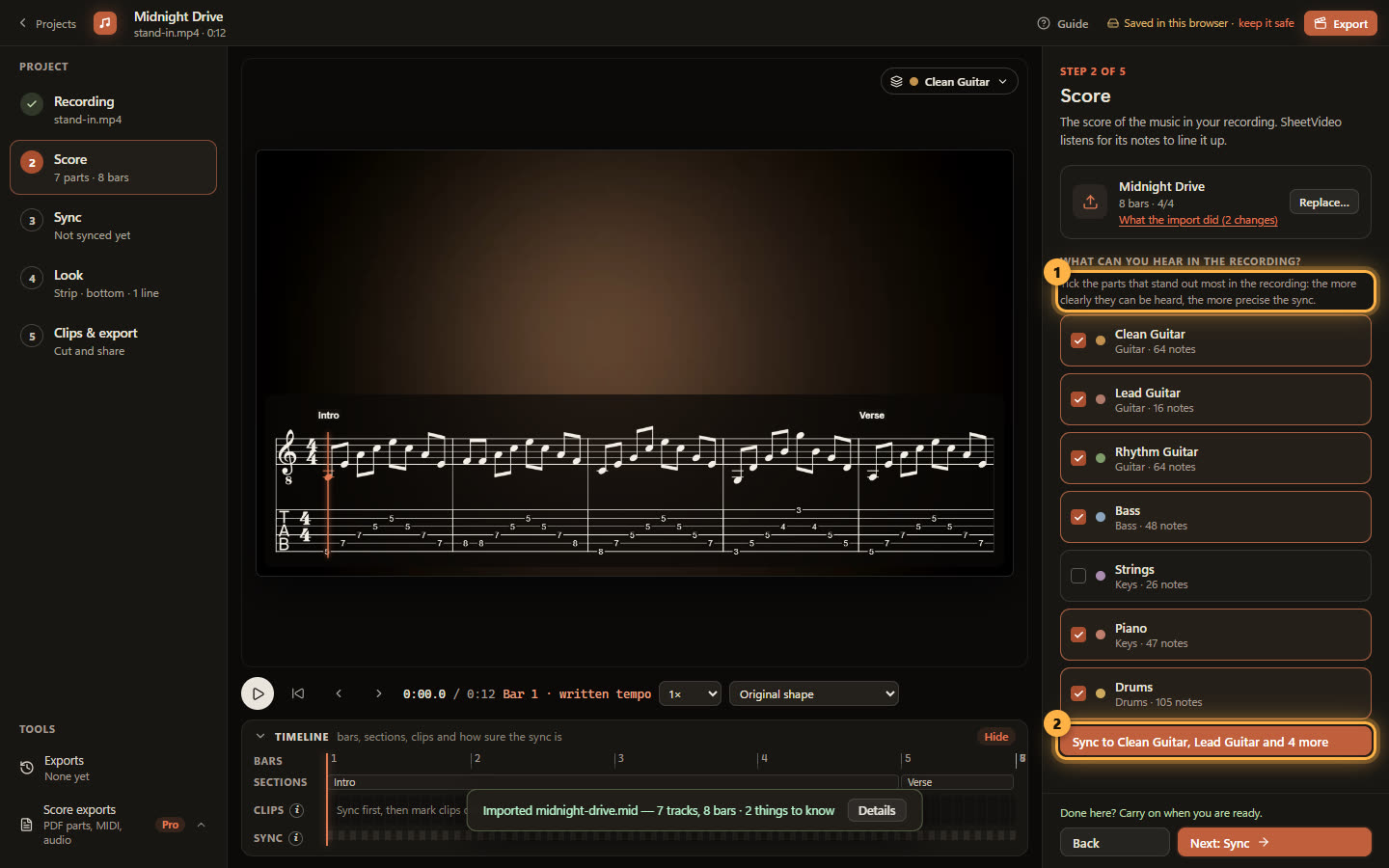
SheetVideo syncs by listening for the parts you pick. The parts that stand out most in the recording give the most precise sync. How to pick them.
Read the guideLine the score up with your recording without tapping beats or keyframing. SheetVideo listens, places every bar and follows rubato and tempo changes.
Read the guide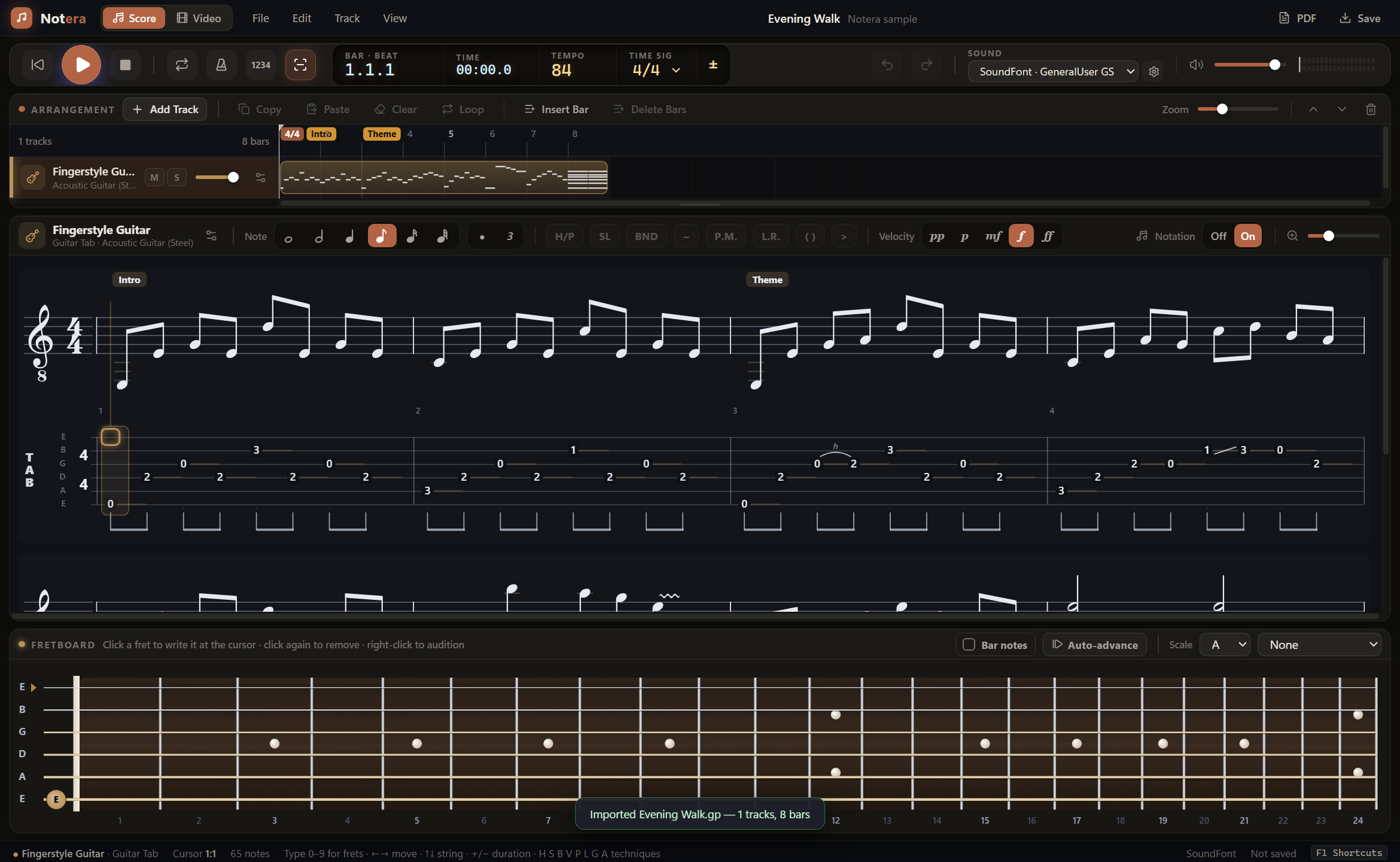
Turn a Guitar Pro file (.gp, .gpx, .gp5) into a tab video synced to your playing. No OBS, no Premiere keyframes. Export for YouTube, TikTok and Reels.
Read the guideAdd scrolling guitar tab to your cover video without OBS or Premiere. SheetVideo syncs it by listening, lights each note and exports for YouTube and TikTok.
Read the guidePut the sheet music under your performance video, synced to your playing with the current note lit. From MusicXML, MIDI, Guitar Pro or PDF.
Read the guideTurn a PDF score into a synced sheet music video. SheetVideo reads the page into notes, flags bars that do not add up, then aligns it to your recording.
Read the guideTurn a MIDI file into sheet music on your performance video: import the .mid, pick the part you played, and SheetVideo lines every bar up with the audio.
Read the guideMake a piano video with the sheet music synced to your playing: both hands on a grand staff, the current note lit, rubato followed. Import to export.
Read the guide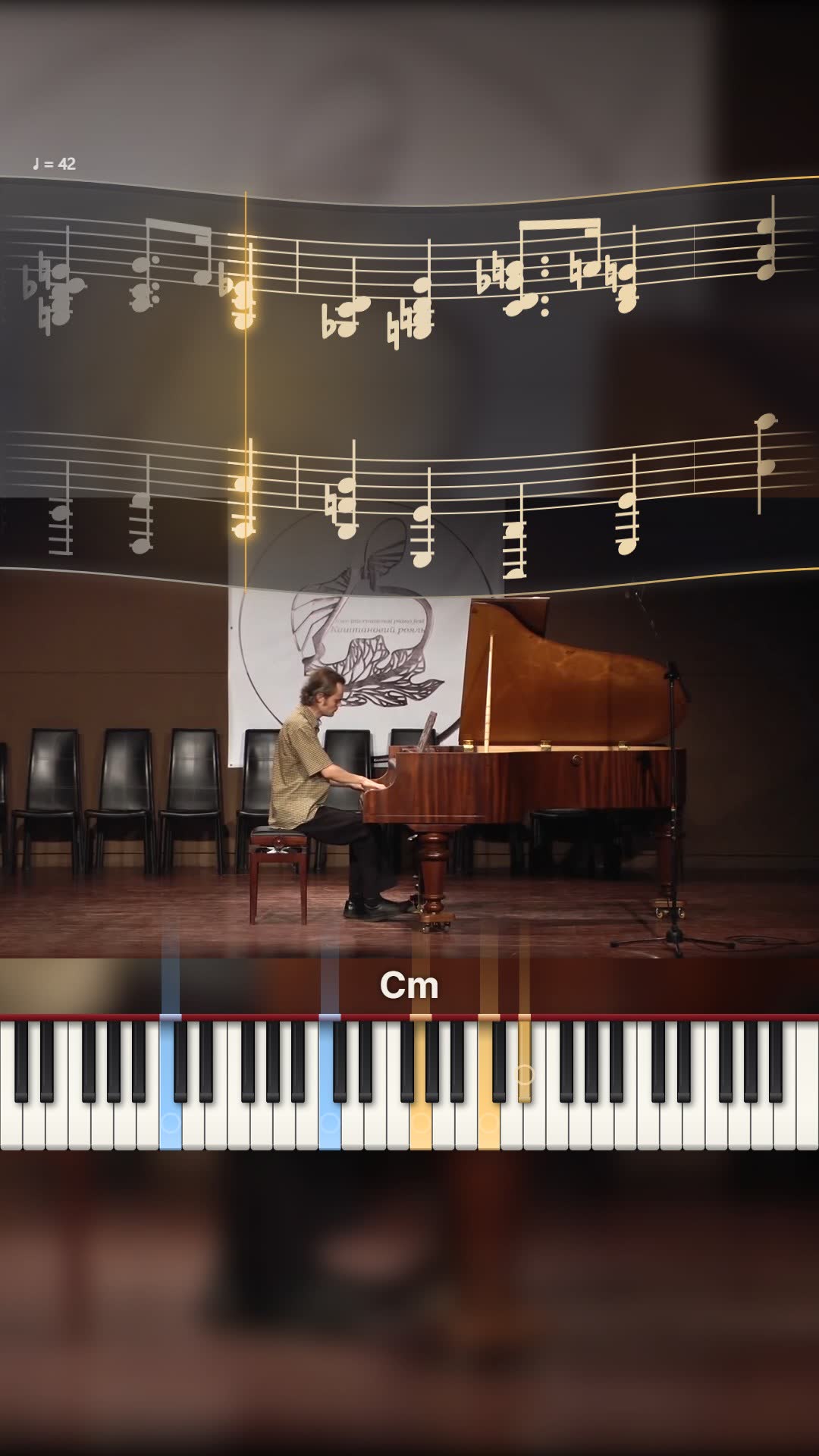
Turn a performance into a vertical Short, Reel or TikTok with synced sheet music or tab: pick the best 30 seconds, or let SheetVideo find them, and export 9:16.
Read the guide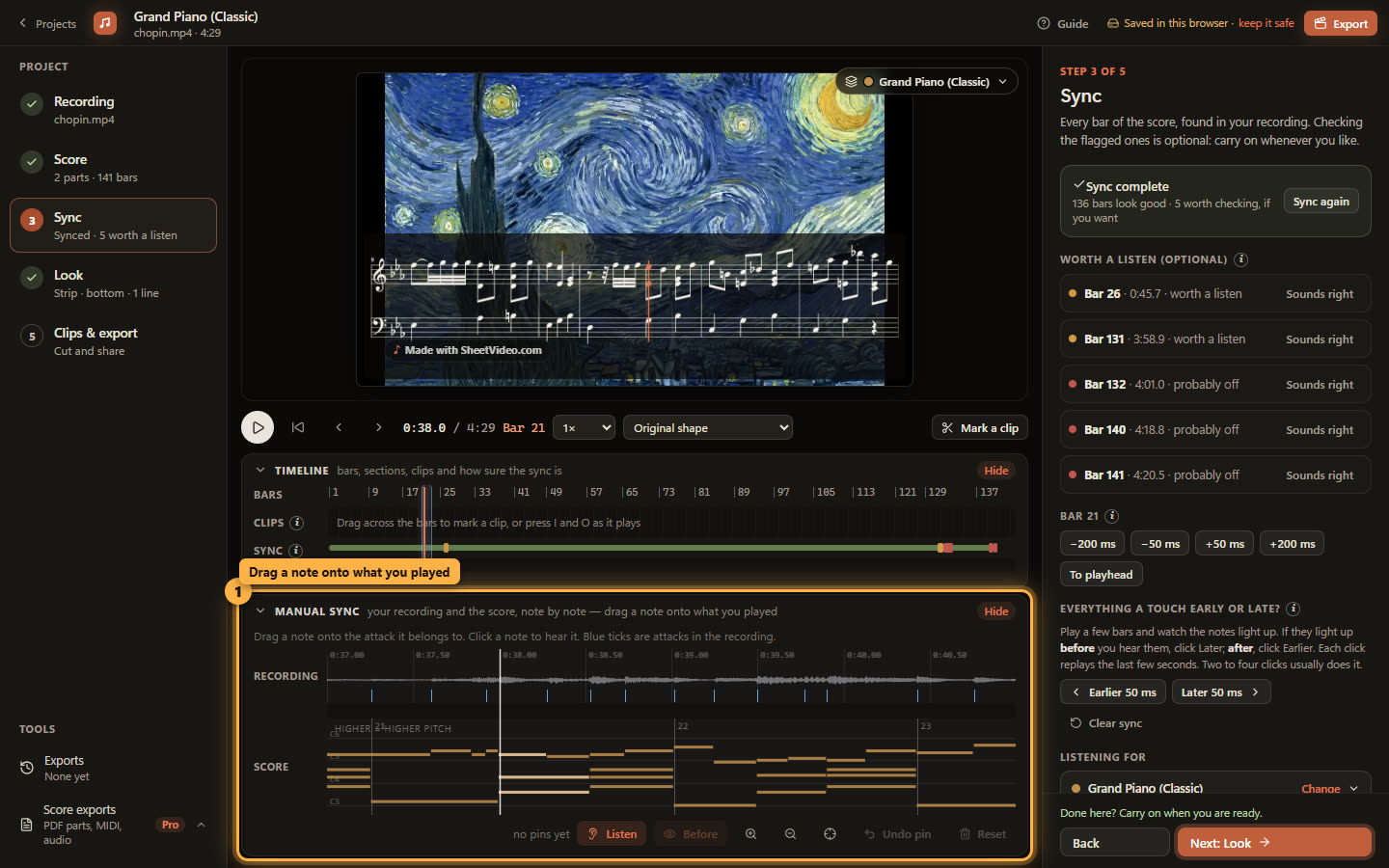
Notes lighting up early or late, or a bar in the wrong place? Check flagged bars, shift a bar or the whole take, fix a single bar by hand, or sync on one part.
Read the guide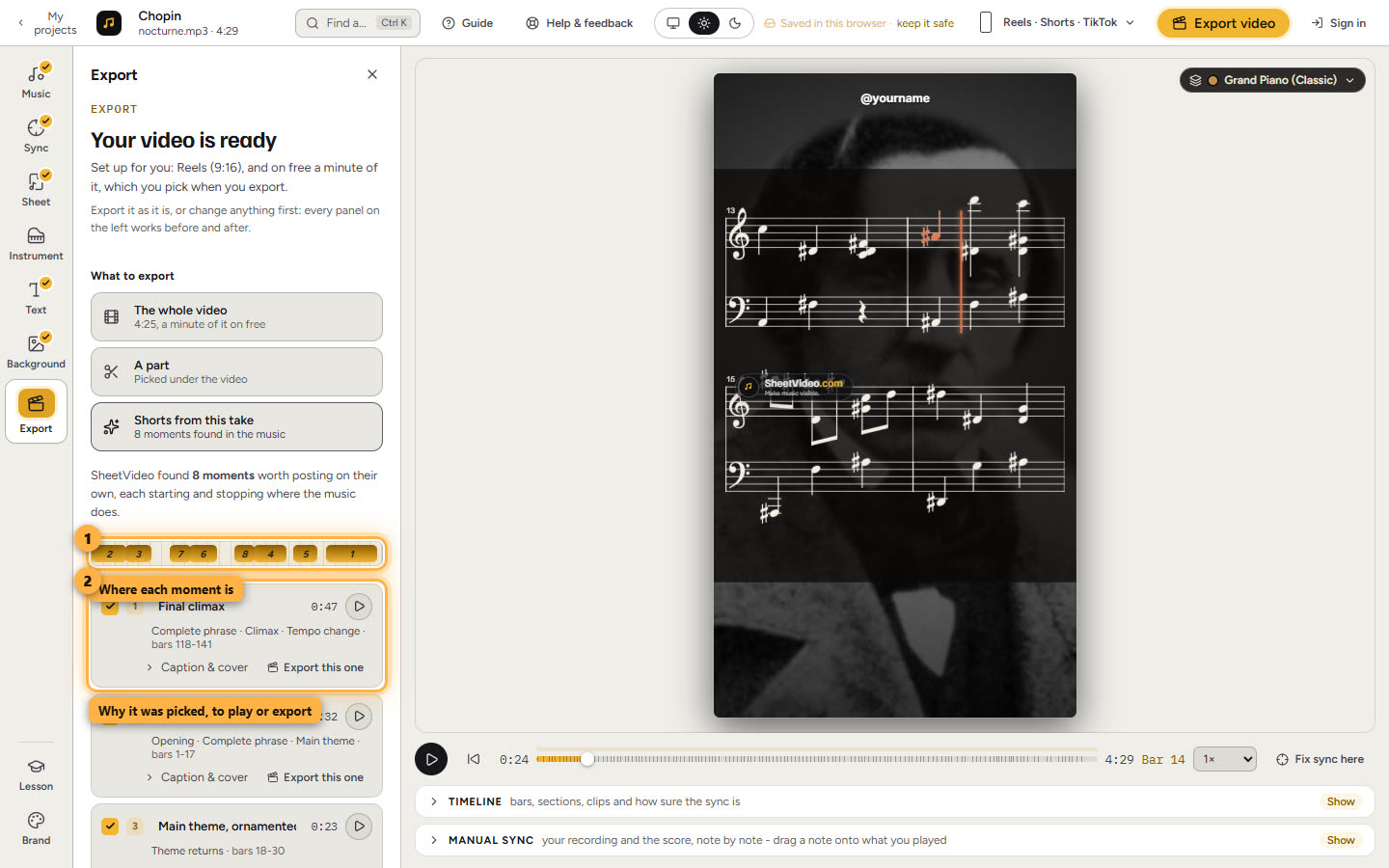
Sync a full performance once, then turn it into several Shorts, Reels or TikToks with the sheet music on them: the moments worth posting, found for you.
Read the guidePut an animated fretboard on your playing video: every note on its string and fret, chords named, synced from a Guitar Pro, MIDI or MusicXML file.
Read the guideA piano visualizer synced to your own recording, not a MIDI playback: falling notes, keys in perspective, hammers on strings. With or without the score.
Read the guide