A clean score that plays, slows down and loops.
Give your students the piece as a clear, readable score, joined to falling notes and a grand piano. It opens the way you would start it: the speed, the bars, the hand, a note from you. They learn by playing with it on any phone or computer, and you comment on the bar that needs work.
Works in the browser on a computer, tablet or phone. Nothing to install.
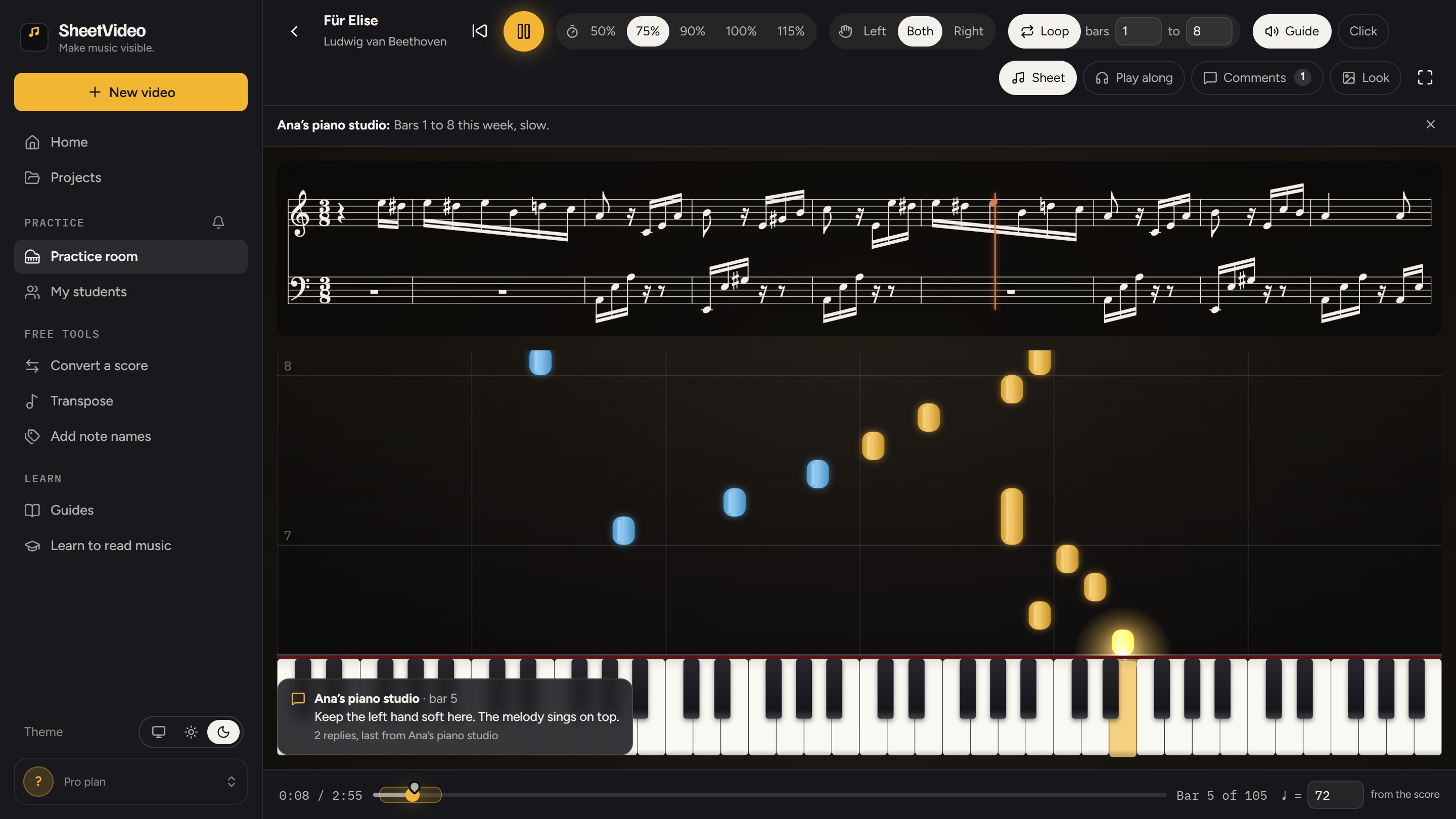
The lesson ends. The practice is on its own.
Most of the week happens without you. This gives them a score that helps.
They start the right way
Slow, the right bars, the right hand, as you set it. Not full speed from the top, with the mistakes built in.
They are not stuck alone
A question on bar 12 on Wednesday gets an answer on Wednesday, right on bar 12.
They hear how it goes
Any bar, at any speed, with the notes falling onto the keys. A page on the stand cannot do that.
Four steps, once per piece
Add the piece
MIDI, MusicXML, a PDF from notation software, or Guitar Pro.
Set it up in the room
The speed, the bars to loop, one hand or both, a performance to play along with, and a note from you.
Invite by email
Only the students you invite can open it, signed in with that address.
They learn by playing
A clean score, falling notes and a grand piano, at any speed, a few bars at a time.
Clear to read, and it moves with the music
Start from the file you already have. Your student gets clean notation with a line moving through it, joined to the falling notes and the keys, so what they read, what they hear and where their hands go are the same thing.
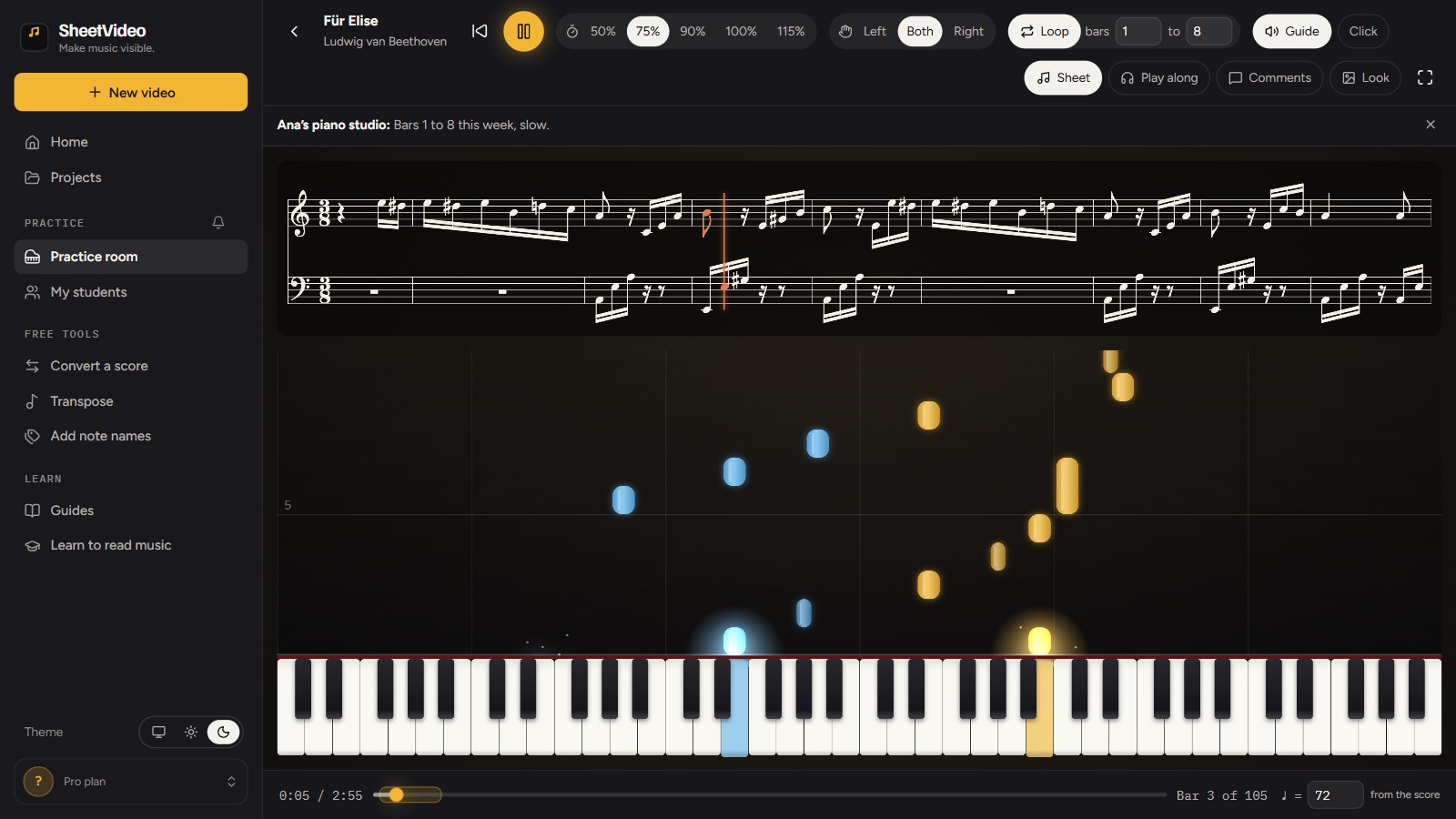
Say it on the bar it is about
Pause anywhere and write. The comment sits on that moment: a pin on the timeline, and a note over the music when playback reaches it. Your student replies right there. Write to everyone who has the piece, or to one student.
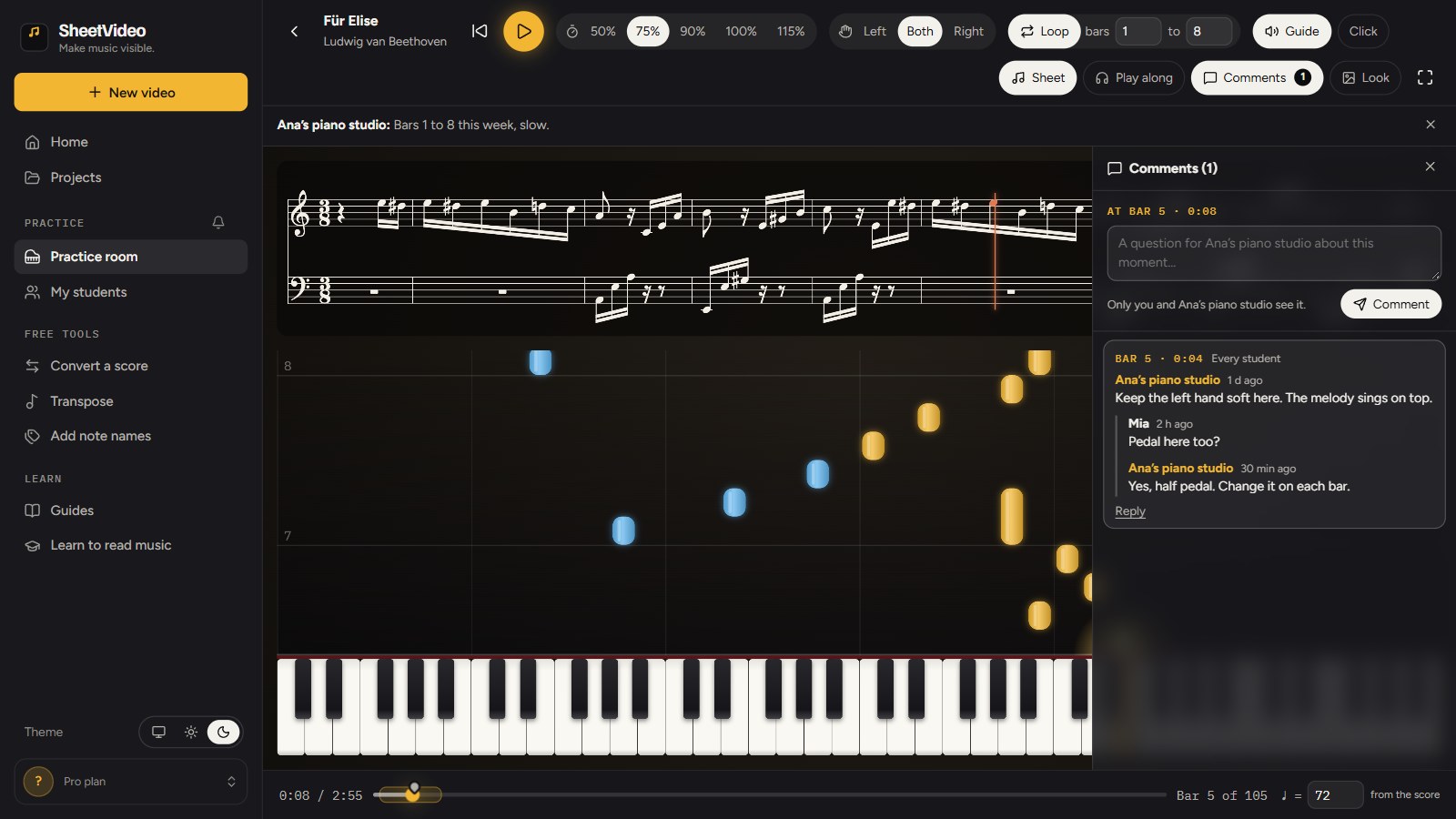
Nothing gets missed
A student’s question or reply shows on your bell and on My students in the sidebar. Your new pieces and answers show on theirs. A click opens the practice at that exact moment.
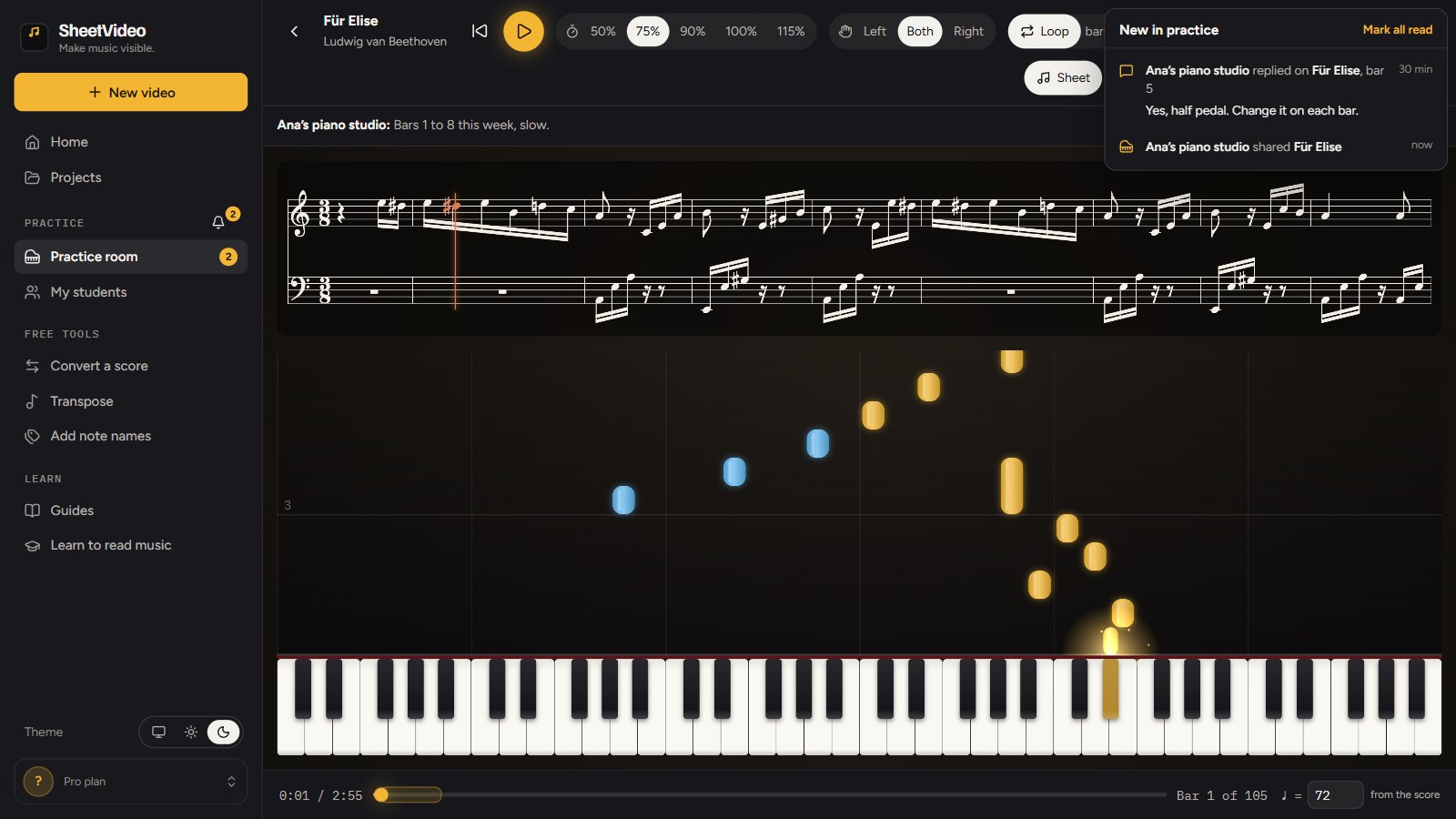
A line on how the week went
One line per student per piece: the time with the music playing, the runs through, the best speed. It can tell you where to start the next lesson, with no logs to fill in.
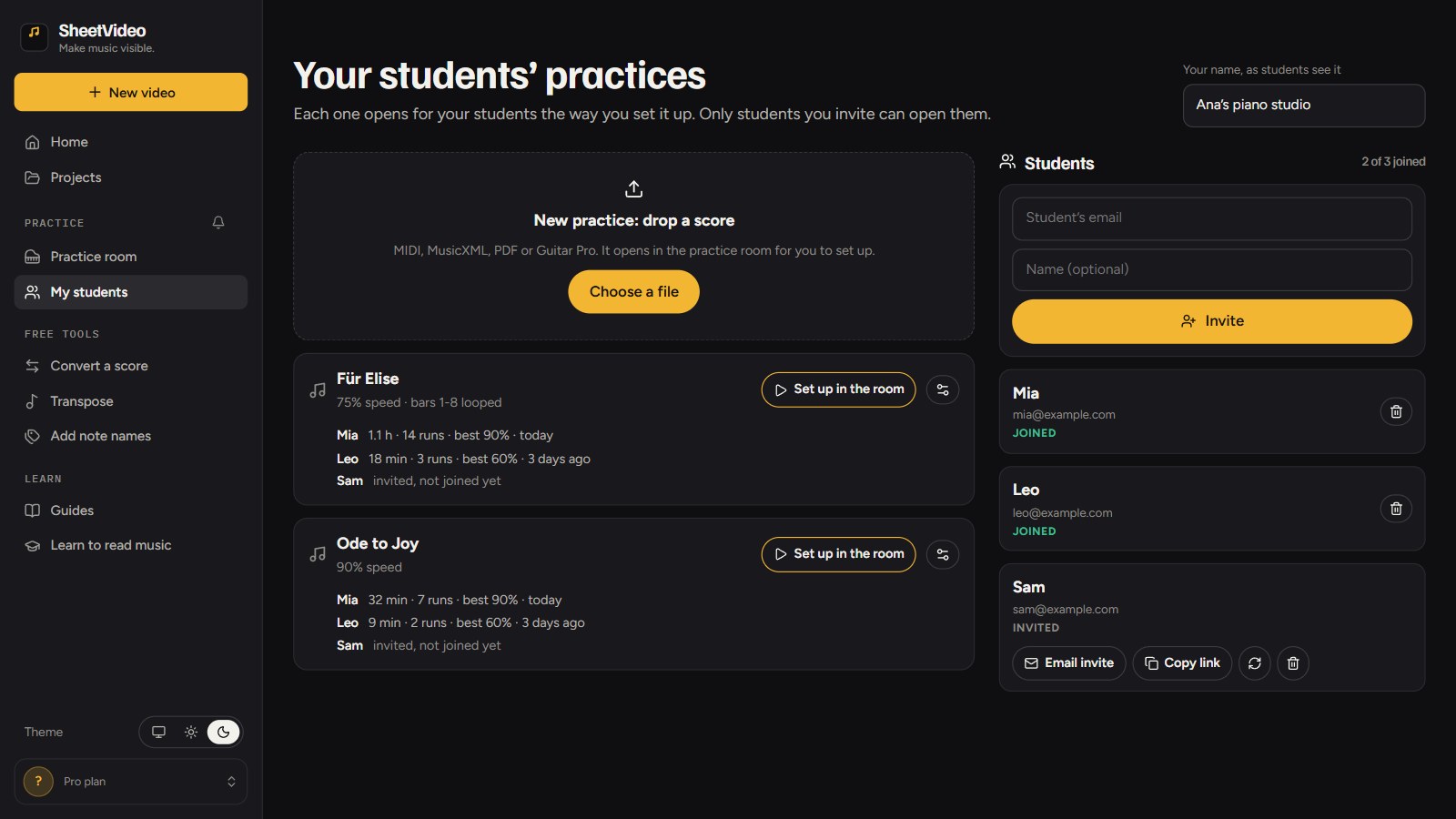
A practice room, not a PDF
- The score and falling notes moving together, in time
- Any speed, from your starting point
- The bars you chose, on a loop
- One hand or both, with a grand piano to follow
- Your note at the top, your comments on the music
Private by invitation. A practice opens only for the students you invited, signed in with the address you typed. Other students see a classmate’s name, never an email address.
Questions
Do my students need an account?
Yes, their own. They open your invite, sign in with the email address you invited, and your practices are in their practice room from then on.
Which files can I use?
MIDI, MusicXML, Guitar Pro, and PDFs exported from notation software such as MuseScore, Sibelius, Finale or Dorico. A scan or a photo of a page is not read yet.
Can my students change the speed?
Yes. Your setup is where they start: the tempo, the loop, the hand and the note you chose. They can slow it down further or loop other bars.
What about guitar?
Guitar and bass parts open as tab over a lit neck, or as notes falling onto the strings. Everything else works the same.
Who sees the comments?
A comment you write goes to every student who has the practice, or to one student you pick. A student’s comment is only ever between them and you.
A clean score that plays, slows down and loops.
The full guide: how to get piano students to practice at home, with what it does well and its limits · lesson videos of your own playing