What a score video is for
A person who can follow your notes while hearing them understands the piece far better, and remembers it longer. That is why players and programmers look for score videos. Think about who is watching, too: grant panels and festival programmers, often late at night and going through a stack of submissions. A clear video makes their job easier, and that helps you.
The old way, so you know what you are skipping
For a long time, the standard method was this: export the score to PDF, turn each page into an image, place the images in a video editor over the audio, then adjust the start and end of each one until the turns land on the music. Then watch it through and fix the ones that came out early or late. Whether the editor is Final Cut, Premiere, iMovie or OpenShot on Linux, the timing is the part that eats the hours.
If you enjoy that control, it still works. Most people would rather spend the time writing music.
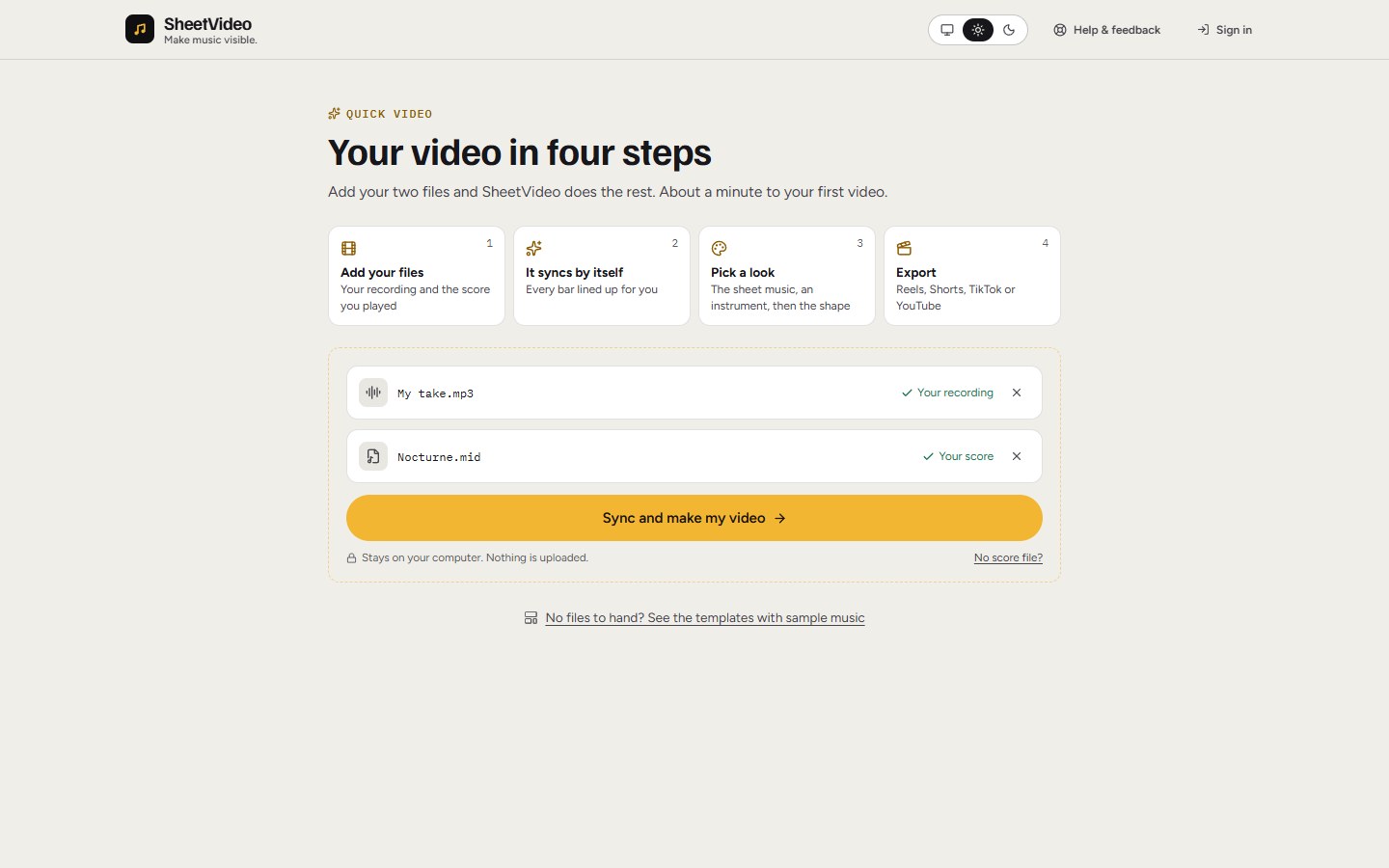
Five steps to a good one
- 1Export the best score file you have
MusicXML is the best choice: from MuseScore, Sibelius, Finale or Dorico it carries the notes, bars and key exactly. A PDF exported from those programs is nearly as good. A MIDI file works too.
- 2Use a real performance if you can
A human recording tells the viewer far more than a sample library, so use one if you have it. A phone recording of a good performance beats a perfect synth for most listeners. No recording yet? Let the score play itself for now, and swap it in later.
- 3Trim nothing, tap nothing
Drop the score and the recording in together. Talking before the first note is fine, and so are rubato and a slow final bar. The notes follow the recording.
- 4Choose how it reads
For a solo piece, the band of music with a piano or a neck is easy to follow. For the feel of a printed page, use the paper look with bar numbers. For a big ensemble, choose the two or three parts that matter most, so the notes stay large enough to read.
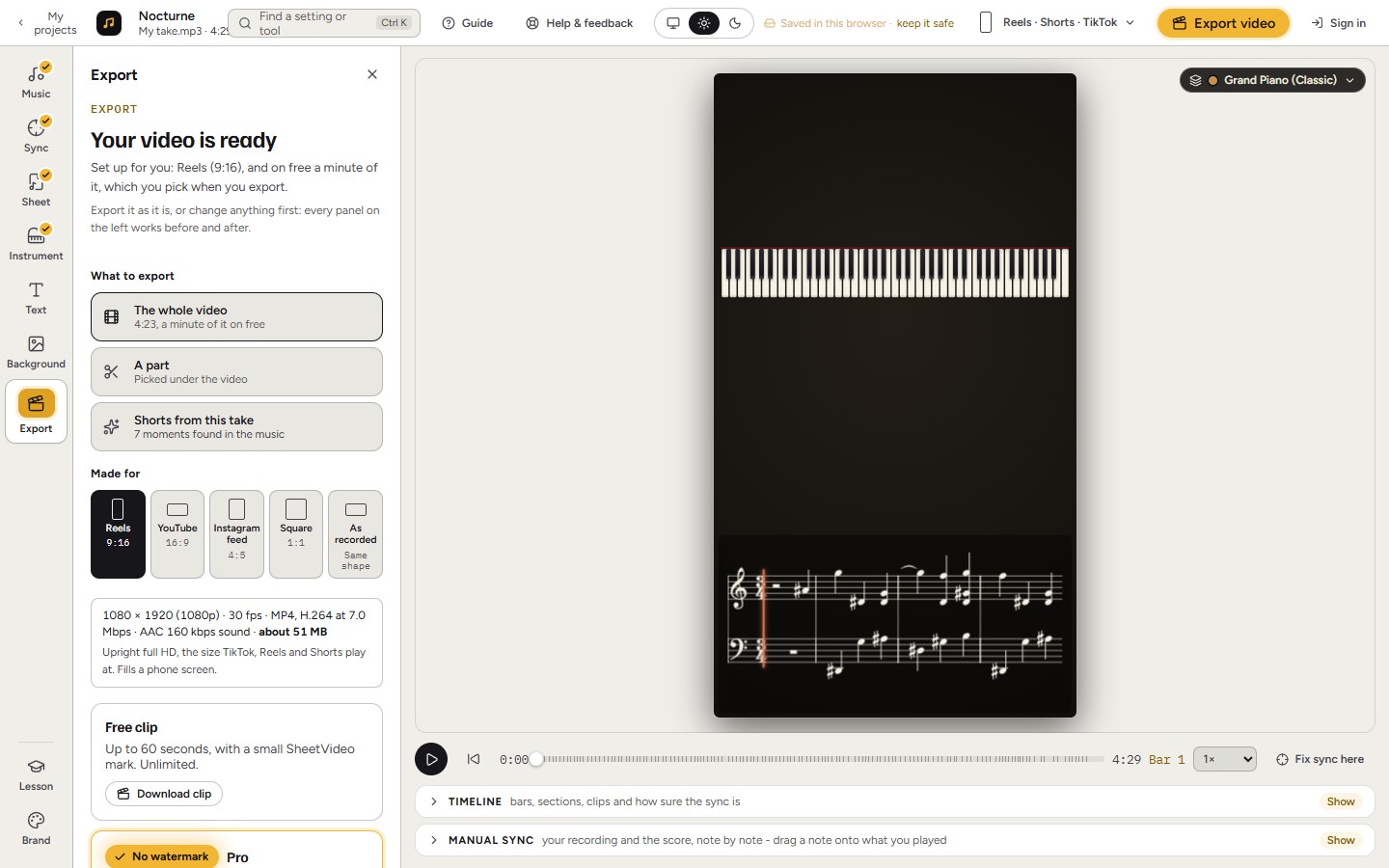
- 5Make one for each place it goes
Wide for YouTube and your website, upright for Reels and Shorts. A one-minute upright clip of the best passage, pointing to the full video, is what most people will see first.
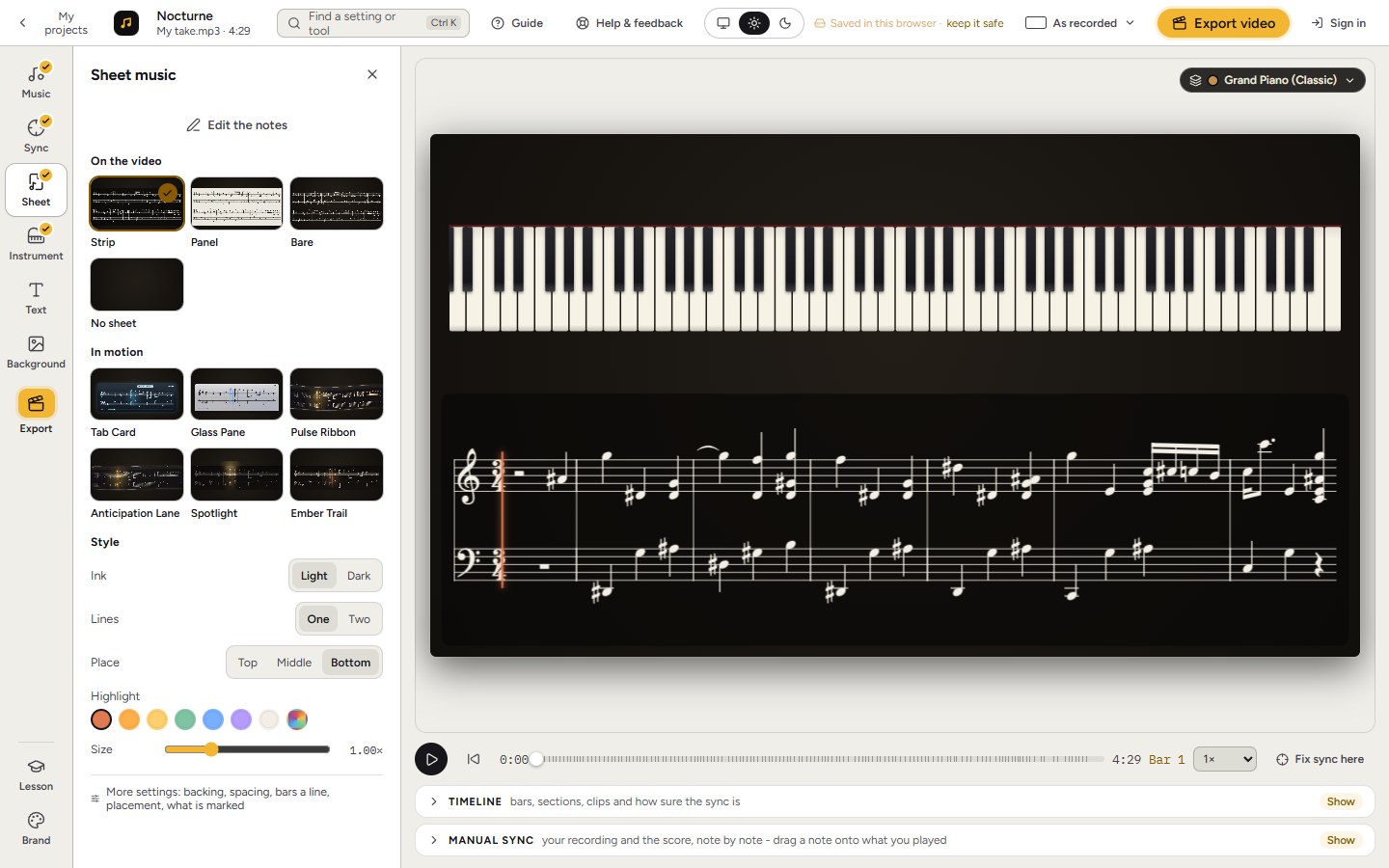
What makes people stop watching
- Music too small to read. Check it at phone size before you post.
- Sync that drifts. Even half a bar off makes the video feel wrong, and viewers notice quickly.
- Bad audio. People forgive a plain picture long before a thin recording.
- No title. Say the piece and your name in the first seconds, and again in the description.
Other ways to do it
Page-turn tools such as Glisscore show your printed pages as they are, one at a time, with you marking each turn. Score to Video shows your PDF line by line while you tap along. We compare them all in the best ways to put sheet music on a video.
Sync sheet music to a recordingAny score and any recording of it: PDF, MusicXML, MIDI or Guitar Pro.