First: do you have a MIDI file?
Every option below works from MIDI, because that is what says which note falls when. If you play a digital piano, you can usually record MIDI directly from it. If you have a score, a PDF or MusicXML file can stand in.
The options
SheetVideo is our tool, and the rest are described from their own pages as of November 2026. Products change, so check the current details before you commit to one.
SheetVideo
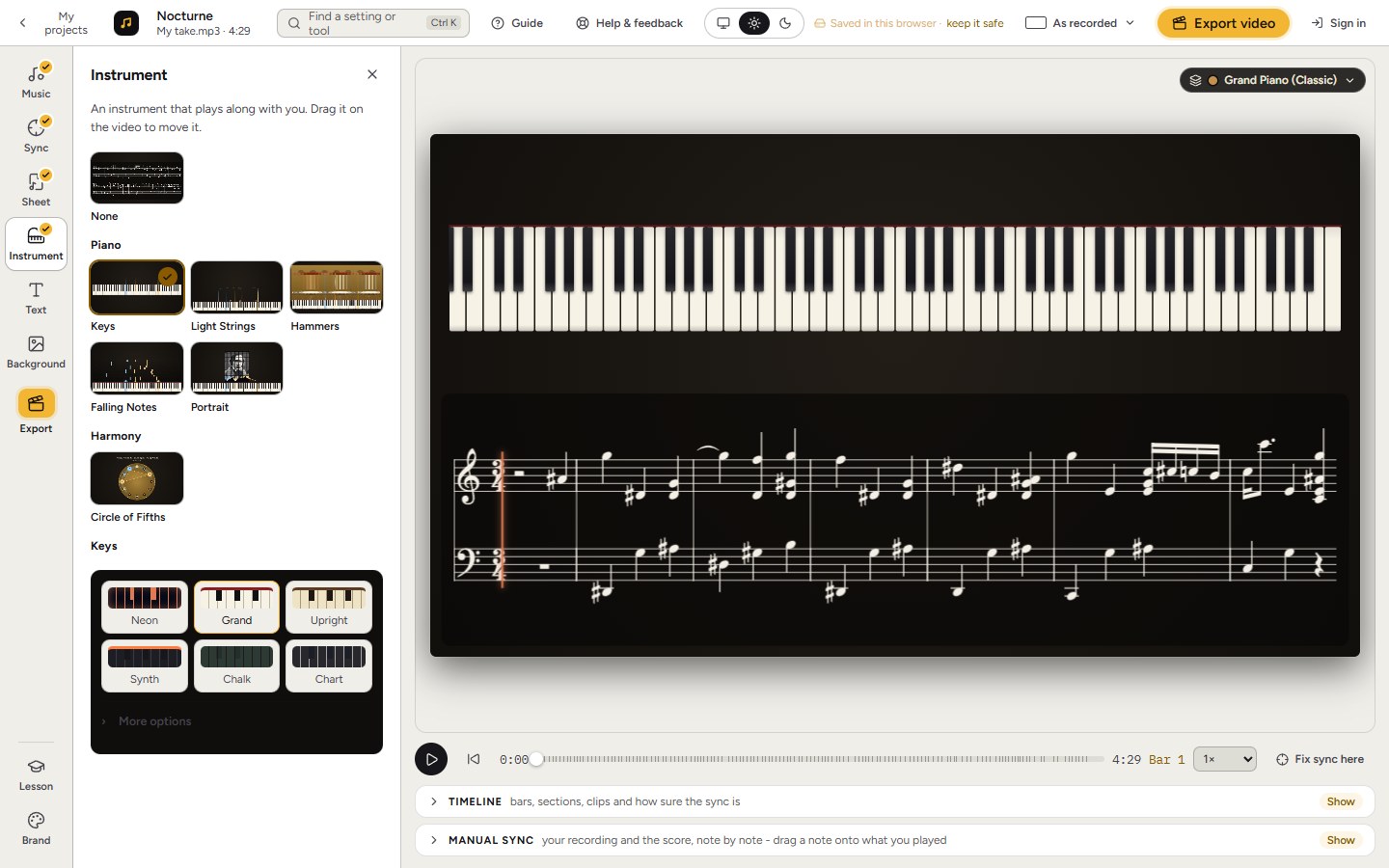
Drop a MIDI file in your browser and notes fall onto a full keyboard, on a sampled grand piano sound. Add a video of you playing and they fall in time with your take. Sheet music can sit above the notes too.
- Nothing to install, and no upload
- Works with your real recording and your real tempo
- Falling notes and sheet music together, if you want both
- A guitar part becomes notes falling onto the neck
Choose it if you want a good-looking video today, in time with your own playing. Bring a MIDI file or a score of the piece.
Synthesia and a screen recorder
Synthesia is a game for learning piano, and many players know the look by its name. To get a video, people generally record the screen with something like OBS.
- The familiar look
- A long-standing program for learning
- A video is not its main purpose, and we found no video export listed on its site
- With screen capture, your sound and picture are only as clean as your setup
Choose it if learning is your real goal and a rough video is enough.
SeeMusic
A piano visualizer app with 3D scenes, particles, light effects and a live mode for MIDI keyboards.
- Deep visual control
- Performs live, for streaming
- Plenty to learn if you just want one video
- An app to install, with advanced features through in-app purchases
Choose it if elaborate visuals are the point and you want to spend time building a style.
Python tools such as synthviz
An open source library that renders a piano video from a MIDI file, through a Python API.
- Free and scriptable
- You need to be comfortable installing and running code
- Few choices on looks
Choose it if you are a programmer and enjoy that sort of thing.
Tips for a video that holds attention
- Pick a shape for where it will live: wide for YouTube, upright for Shorts and TikTok.
- Start at the catchy part. On Shorts, the first two seconds decide everything.
- Use a MIDI written with care. A file with messy timing looks messy when each note is a block on screen.
- Show only what is sounding on the keys, so viewers can follow without guessing.
- If you can, film your hands too. People like seeing the real thing as well as the notes.