Make the video people save.
Your take and the sheet music or tab you played from are all it takes. Making and exporting a video costs nothing.
Drop in a video of you playing. Have the sheet music or tab? Every note syncs itself. Just your playing? Tap the chords or notes as it goes. Guitar or piano, for covers, lessons and Shorts.
Free in your browser · nothing uploaded · no account until you export ·
Bring the file you played from. SheetVideo listens to your take and moves each note in time with you, rubato and all.
No file? Pick guitar or piano, play your video, and tap each chord as it changes, or the notes on the neck or the keys.
In any order. SheetVideo recognises each one, lines them up and opens on your finished video.
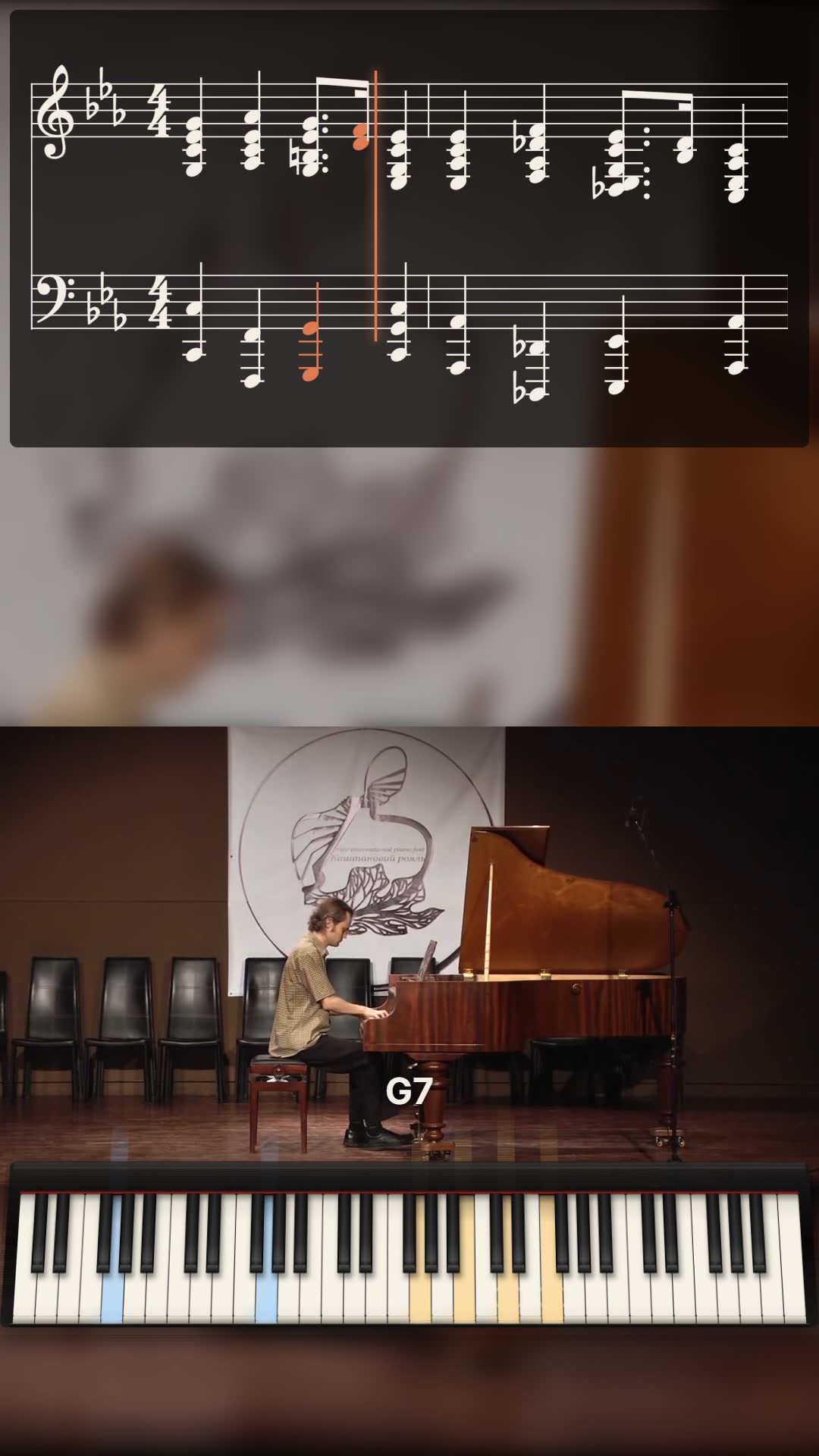
The sheet music or tab on your cover, so players save it to learn and ask for the next one.
See how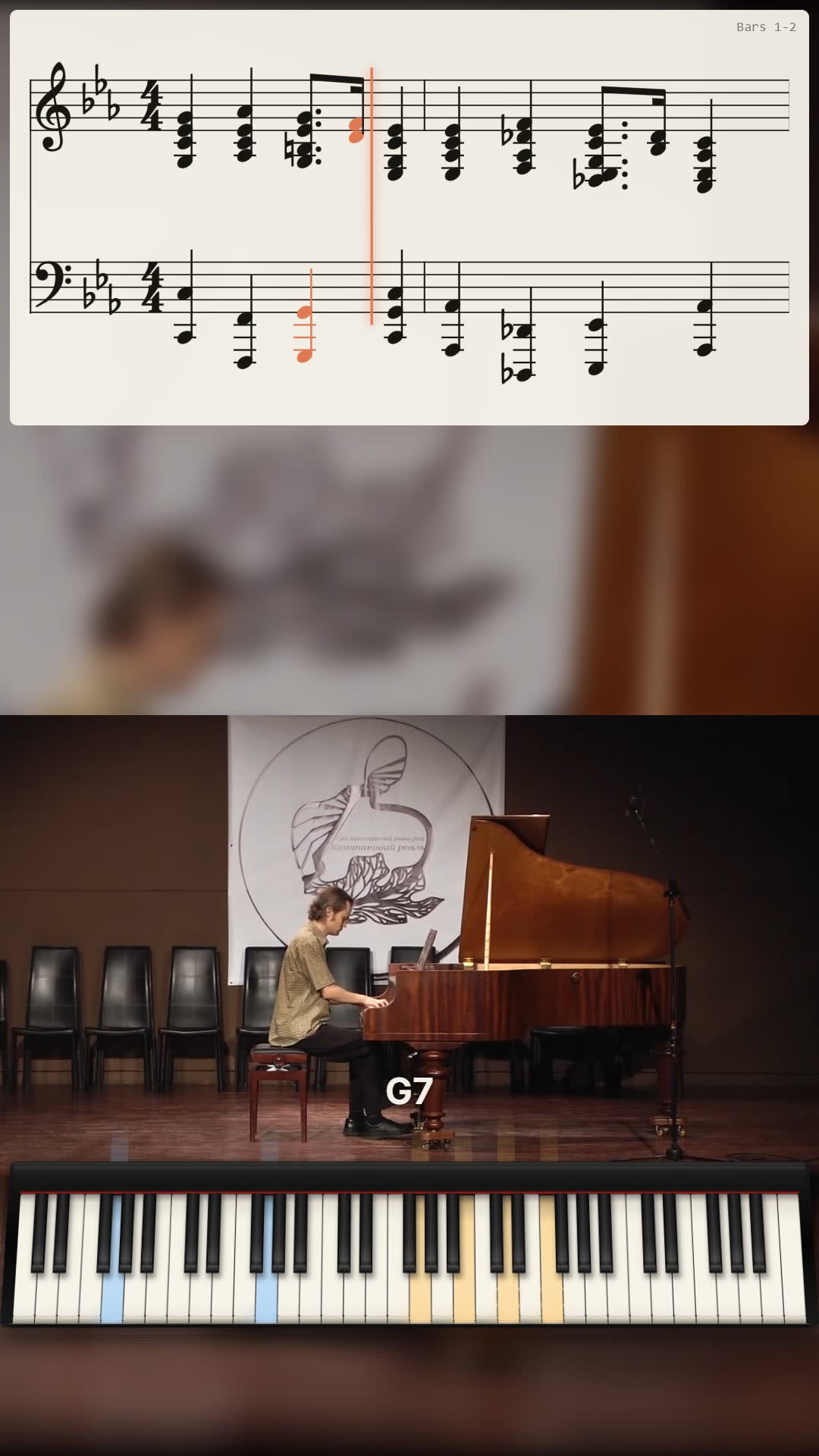
Play the piece the way you teach it. Students practice with you all week, in your studio’s name.
See how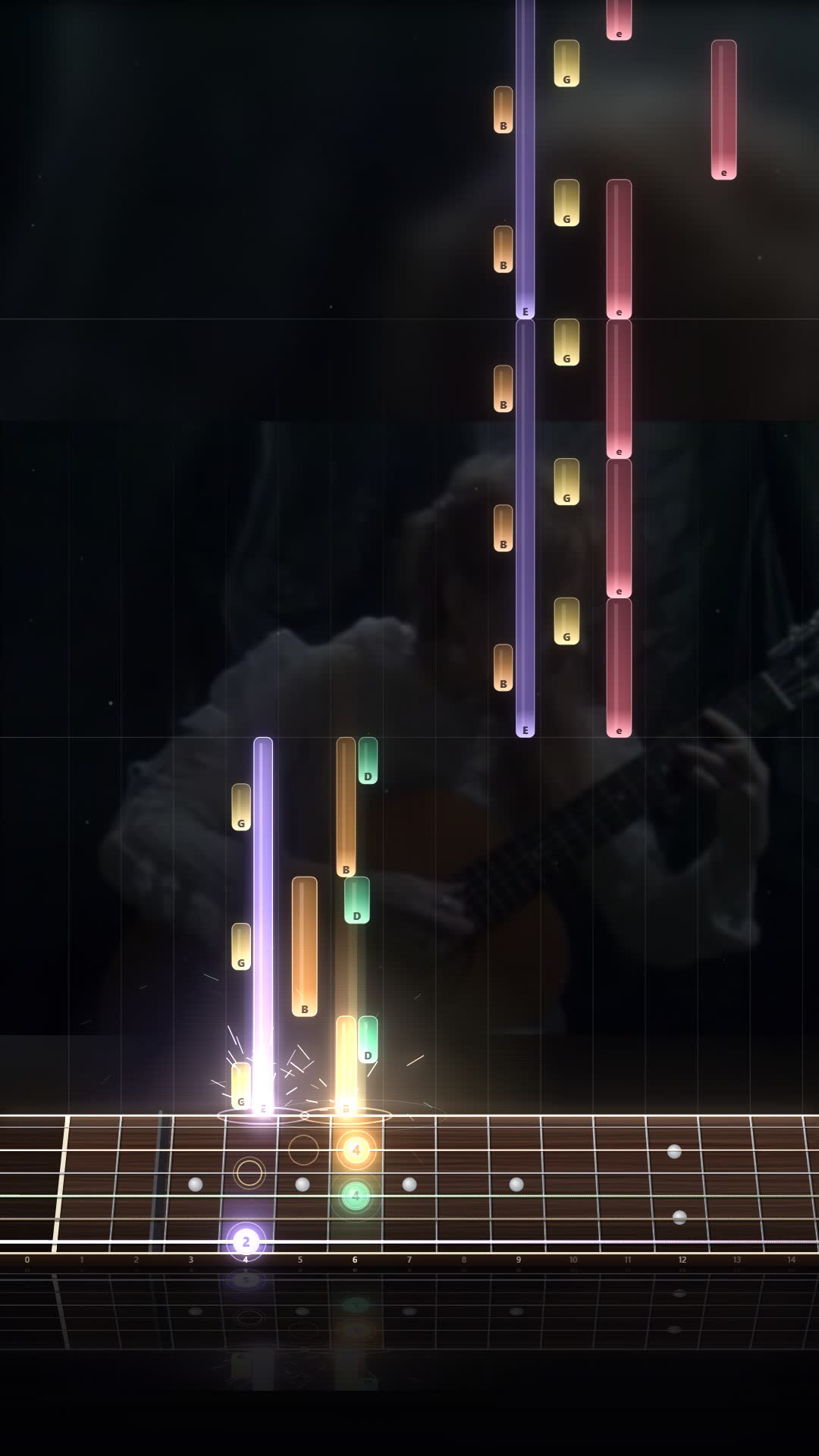
It finds the moments worth posting, cuts each where the music breathes and writes the captions.
See howAlso made for guitar tab videos · falling notes from any piano
Played it from sheet music or a tab? That file is all SheetVideo needs. No tapping beats, no tempo guessing, no keyframes: the notes follow your playing.
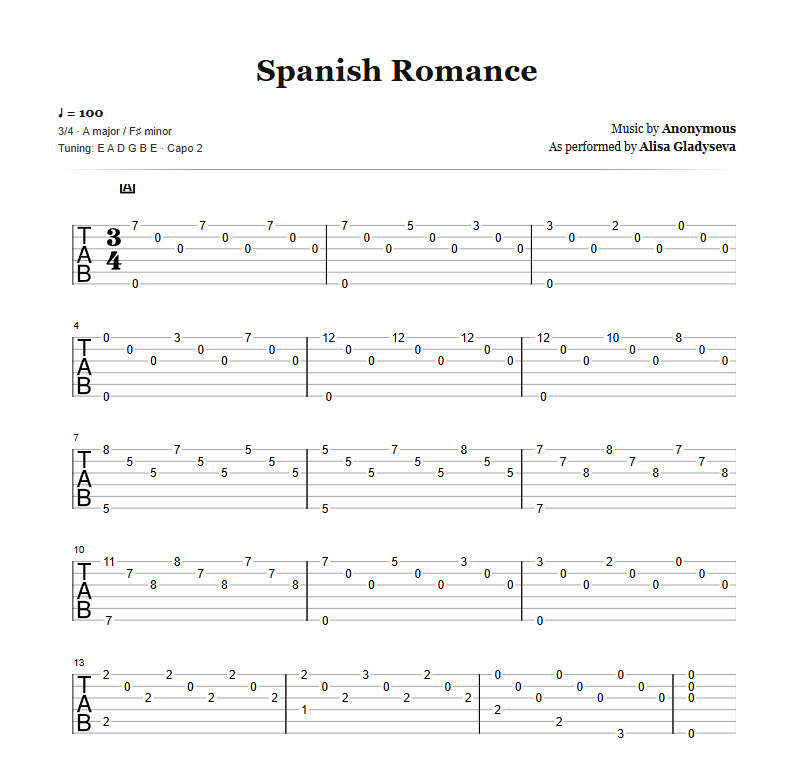
A phone video, an interface take, or just the sound. Talk before the first note if you like: it finds where the music starts.
A PDF, MIDI, MusicXML or Guitar Pro file, for piano, guitar, bass or a whole band.
It lines every bar up by listening and opens on the finished video. Change the look or the shape if you want, and export.
Every note lands on time, even through your rubato.
Measured against a known non-linear warp, from 0.6× to 1.75× the written tempo. And on real piano recordings, note by note.
Pick what you have. Add your recording, or let the score play itself, and the first minute is free.
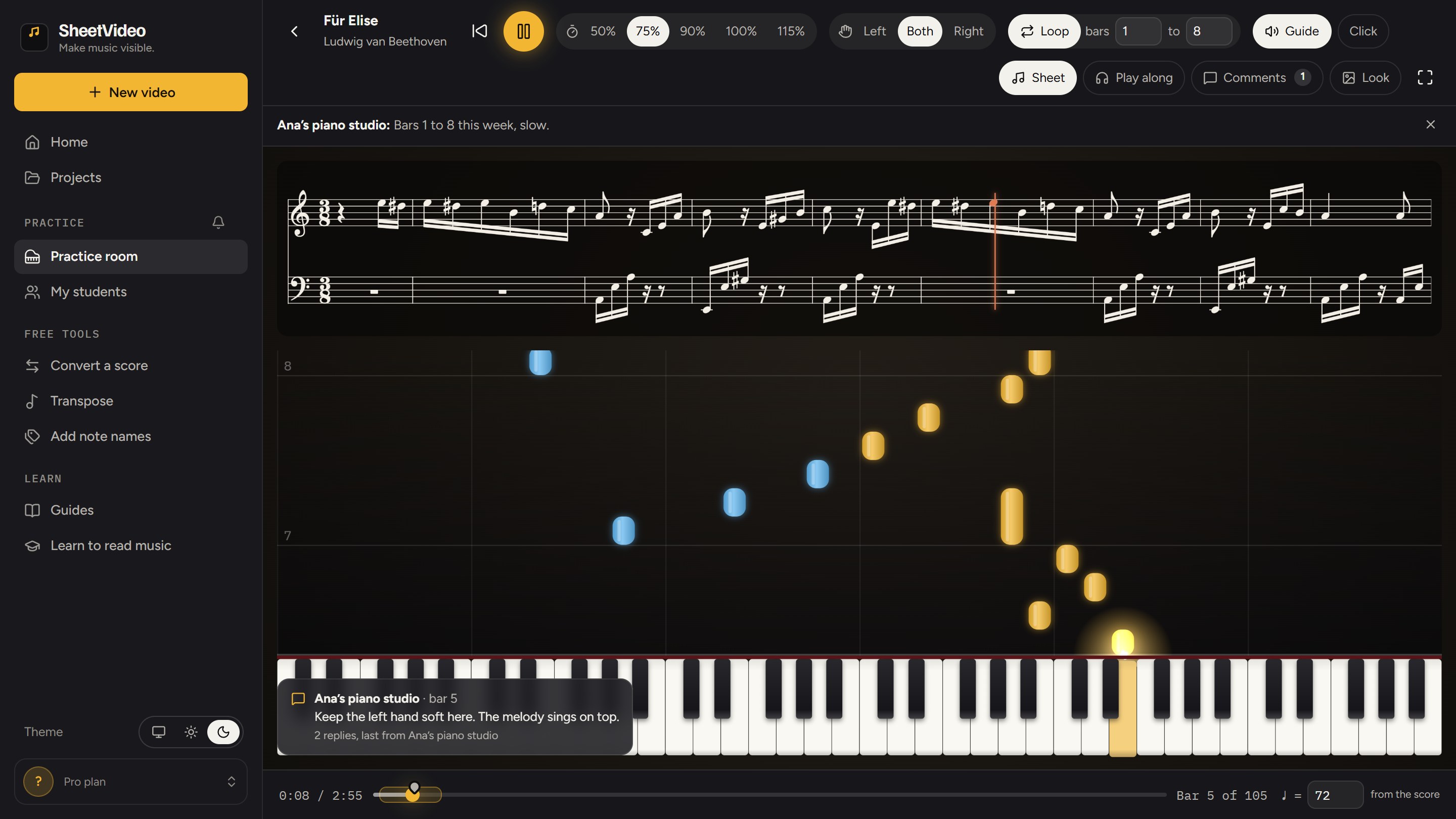
Give your student the piece as a clear, readable score, joined to falling notes and a grand piano. It starts the way you would start it: your speed, your bars on a loop, your note on top.
Our converters turn PDF, Guitar Pro, MIDI and MusicXML into each other, free, 3 files a day. Tools Plus has no limit: unlimited conversions, multiple files at once into one ZIP, and your page setup kept. Everything still happens in your browser.
The whole app, every view and the MP4 are free - up to a minute a video, with a small mark on it. Pro exports the full take with no watermark. Tools Plus is for the converters, and the two together cost less.
No trial clock, no credits. A free account is all it takes to export.
Start a project freeIn your browser · nothing to install.
Billed every month. Stop whenever you stop making videos.
VAT included · cancel any time.
Less file conversion. More music making.
The converters stay free: 3 files a day, no account.
Both, for €1.99 less than apart.
VAT included · cancel any time · saves €1.99 a month.
Your take and the sheet music or tab you played from are all it takes. Making and exporting a video costs nothing.