The short version
| Way | Your real recording? | What you do by hand | What it costs | Best for |
|---|---|---|---|---|
| SheetVideo | Yes, video or sound | Nothing to time | Free up to a minute a video, Pro for any length | Performances, covers, lessons and Shorts |
| Video editor (Final Cut, Premiere, iMovie, OpenShot) | Yes | Everything: slice pages, place them, time each one | Free to a subscription | Full creative control |
| Screen recording (OBS, QuickTime) | Possible | Scroll or turn pages live, or match audio afterwards | Free | A quick share of a draft |
| MuseScore Studio 4.7 export | No, its own playback | Install FFmpeg once, then export | Free | A MuseScore piece, with its own sound |
| Page turn tool (Glisscore) | Yes | Mark each page turn | Free | Whole pages of a full score |
| Tap along tool (Score to Video) | Yes | Tap at the start of each line | 720p free, then per project | A PDF score shown line by line |
| Tab strip maker (Tab2Vid) | Separately, in your editor | Place the strip in your own editor | Free minutes, then monthly | A strip of tab from a file |
| A paid service | Yes | Send your files | From about $39 a video | Handing the job to someone else |
How people have always done it
If you search for this, the old forum threads are still what comes up, and they are worth a look, because they show the work involved. In a 2013 thread on Young Composers, the advice comes down to this: make still images of the score and line them up with the sound by hand in a video editor. A reply there points out that the big score channels work the same way, and that it takes a lot of labour.
A thread on the Delcamp guitar forum from 2015 says much the same: screenshots, an audio file, and the patience to work out how long each stretch of music lasts, in iMovie or anything like it. Kevin Boone’s walkthrough is the most thorough version, turning a score into page images and lining them up in OpenShot. Swap in Final Cut, Premiere or DaVinci Resolve and the job stays the same, because the hard part was never the editor.
The advice has barely changed. A recent Dorico thread suggests capturing the screen with OBS or QuickTime, then putting it together with the audio in iMovie or VideoPad.
Each way, in detail
SheetVideo is our tool, and the rest are described from their own pages as of November 2026. Products change, so check the current details before you commit to one.
SheetVideo
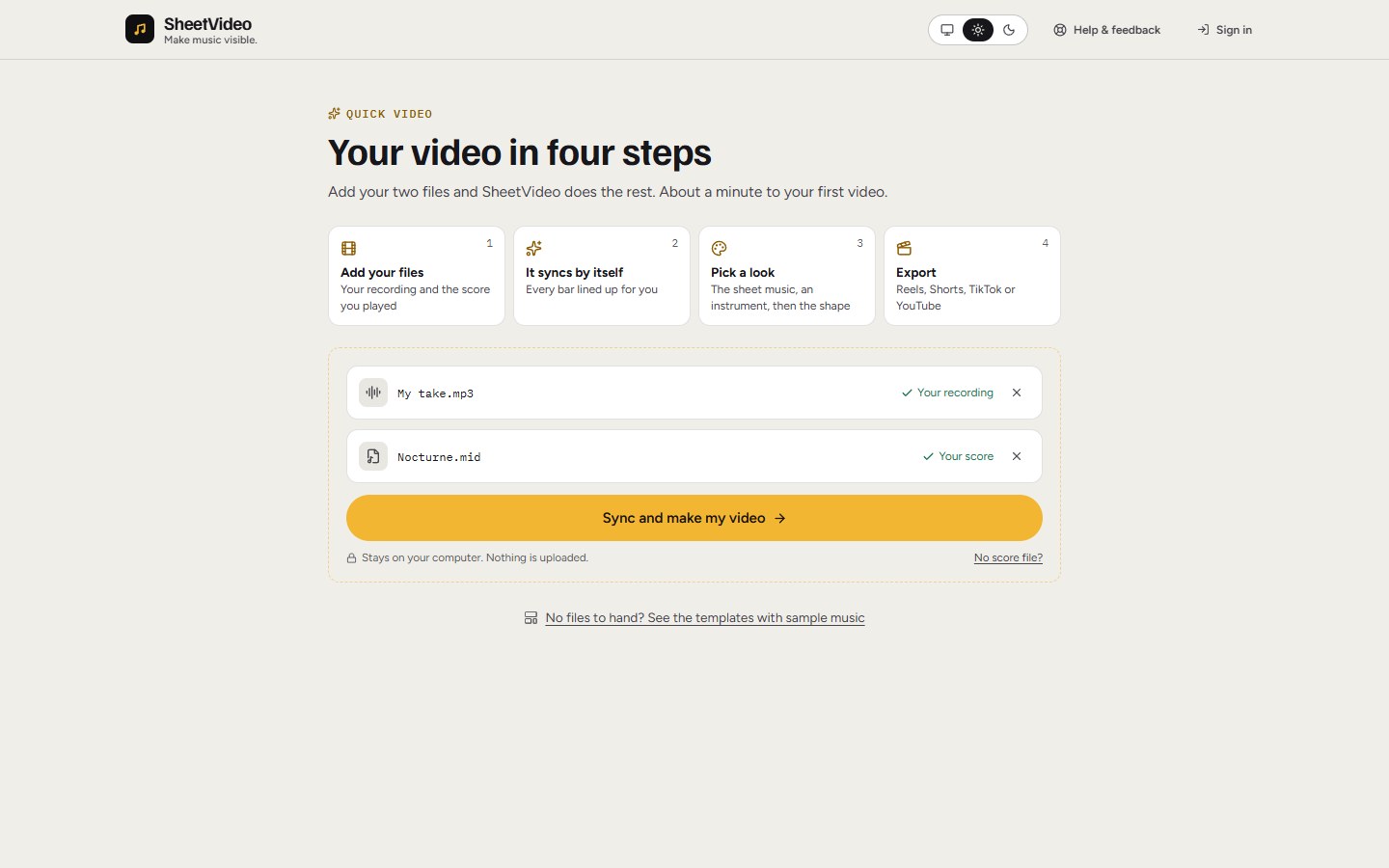
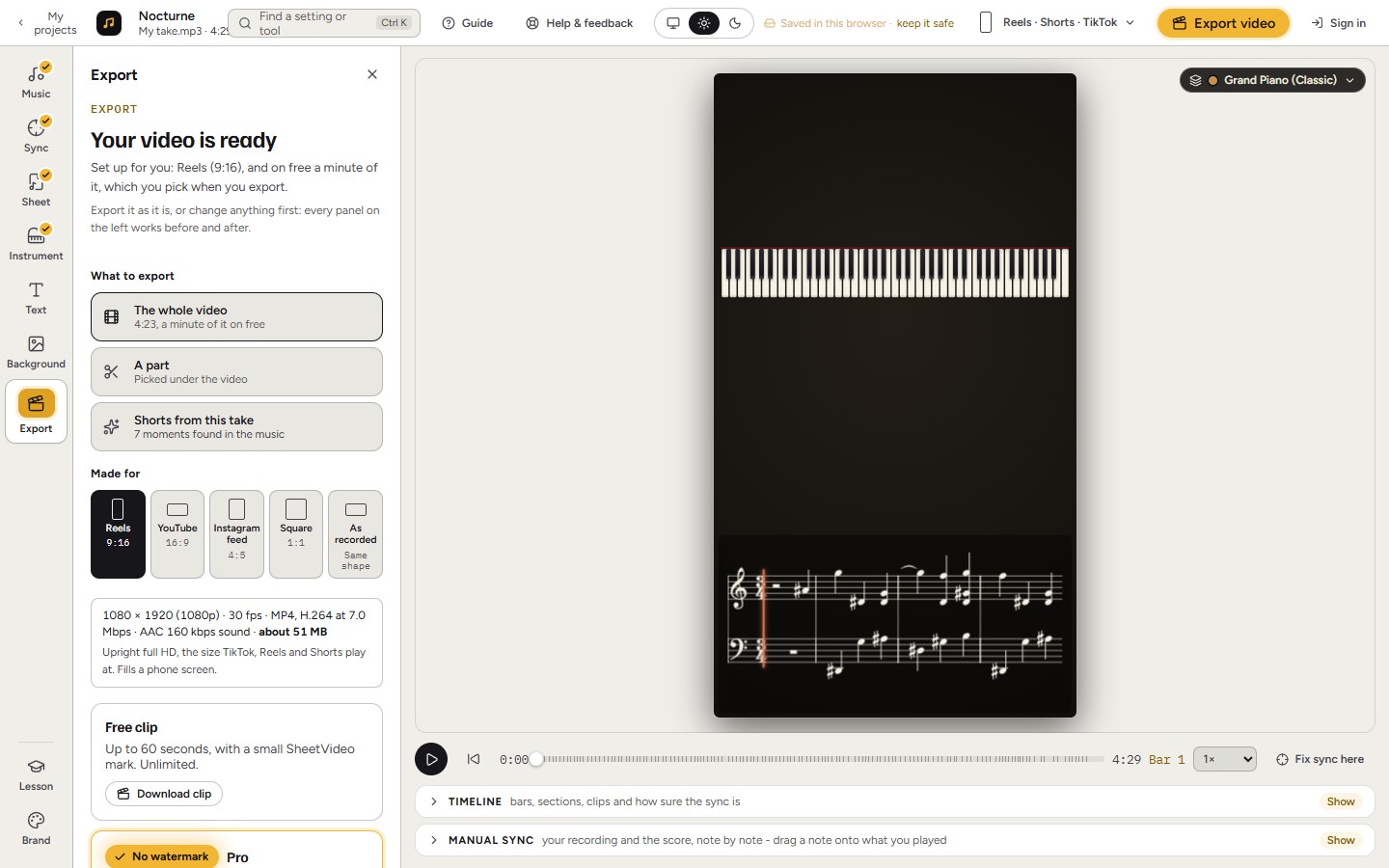
You bring a recording (video or sound) and the score (PDF, MusicXML, MIDI or Guitar Pro), and you get the finished video, with the notes moving in time with the playing. Show sheet music, tab, a grand piano, a fretboard or falling notes, wide, upright or square.
- No tapping, no marking, no second editor
- Follows the performance note by note, rubato included
- Your files stay on your computer
- The player on screen with the music, not just the pages
- Every look is free to try
Choose it when the video is of someone playing, and you want it finished in minutes. It works best with a file from notation software, and with solo or small-ensemble music, where the notes stay large on a phone.
A video editor: Final Cut, Premiere, DaVinci Resolve, iMovie, OpenShot
Turn your score into images, one per page or line, place them on a timeline over your recording, and move each cut until it lands on the music.
- Total control over every frame
- You probably own one already
- Timing is by hand, and a new take means doing it again
- A long piece has hundreds of cuts
- Showing the exact note being played is close to impossible
Choose it for a one-off with a very particular design, if you are at home in the editor and have the evenings to spare.
Screen recording: OBS, QuickTime, Game Bar
Play the score in your notation program or PDF viewer and record the screen, as this publisher’s help page lays out.
- Free and quick
- Fine for showing a draft to a friend or a teacher
- Follows the program’s tempo, not your real performance
- Pages turned by hand show it
- Looks like a screen recording, and comes out wide only
Choose it for something quick and private, not for your channel.
MuseScore Studio’s video export
Since version 4.7, MuseScore Studio exports an MP4 of the score with its audio, once FFmpeg is installed.
- Free, and right there in the program
- Stays in time, since it plays its own notes
- The sound is the program’s playback, so a real recording needs an editor afterwards
- Needs the piece in MuseScore
Choose it if you wrote the piece in MuseScore and its playback is enough. We wrote a closer look at it.
Glisscore
A free browser app: drop a PDF and a recording, mark the page turns on a timeline, and export.
- Free
- Your pages as printed, with animated turns
- You mark the turns yourself
- It moves by the page, so it does not show the note or bar being played
Choose it if you are a composer showing a full score page by page.
Score to Video
Takes a PDF and a recording, slices the pages into systems, and has you tap at the start of each line as it plays.
- Your own printed lines, one at a time
- Pay per project rather than monthly
- You tap every line, and a slip means tapping again
- Follows the line rather than the note
- 1080p and no badge cost a credit per project
Choose it if you want your exact PDF, line by line, and do not mind tapping along.
Tab2Vid
Turns a Guitar Pro or MusicXML file into an MP4 of animated tab or notation in your own colours, one track per video. To go over a performance, you bring the strip into your editor.
- Quick from a file, with colour control
- A clean strip to place wherever you like
- Its site describes a video made from the file; it does not mention lining up with a recording
- No PDF input
- You need your own editor to add it to a performance
Choose it if you want a tab strip from a file and you already edit your videos.
Hiring someone
Notation services and individual composers will take your score and audio and do the rest, with prices listed from about $39 a video.
- No work for you, and a person’s eye on the result
- Costs more per video
- Takes days rather than minutes
Choose it when one video really matters and the budget is there.
What about interactive players?
Soundslice comes up in these searches too. Its result is an interactive player rather than a video file: students click a note to jump there and slow a bar down. That is a different job from a video you can post on YouTube or Reels.
How to choose
- Filmed yourself playing and want to post it? Use a tool that takes your recording. That is what SheetVideo is made for.
- Have a concert recording of your piece? SheetVideo for the notes moving with the music, a page-turn tool if it must be whole printed pages.
- Wrote it in MuseScore and happy with the playback? Export it from there.
- Want one very particular design? A video editor, and an evening or two.